
 EUREuro
 GBPBritish Pound
 AUDAustralian Dollar
- WhatsApp:+86-19892834301
- Email: automantool@hotmail.com
- Skype:autoobdtop

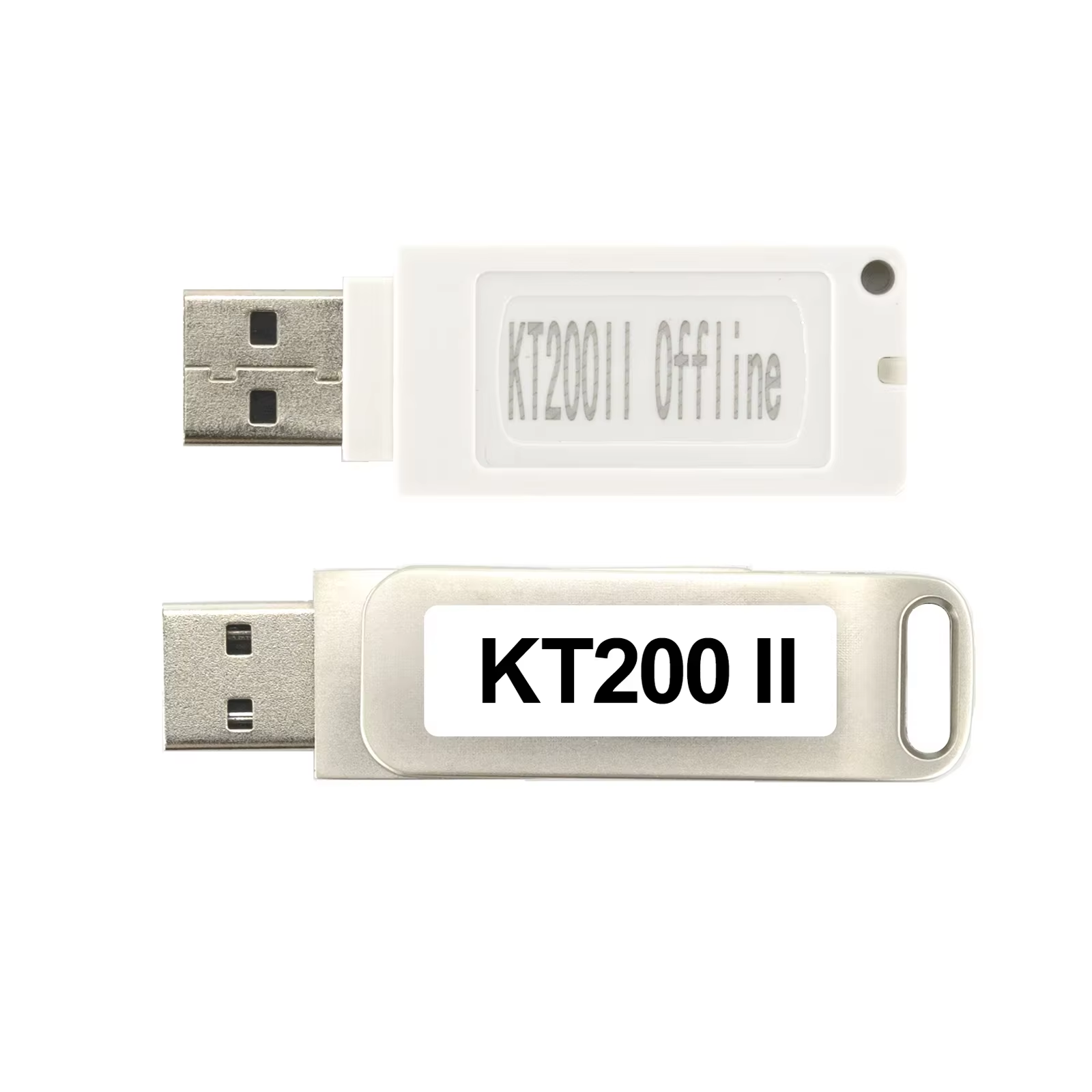
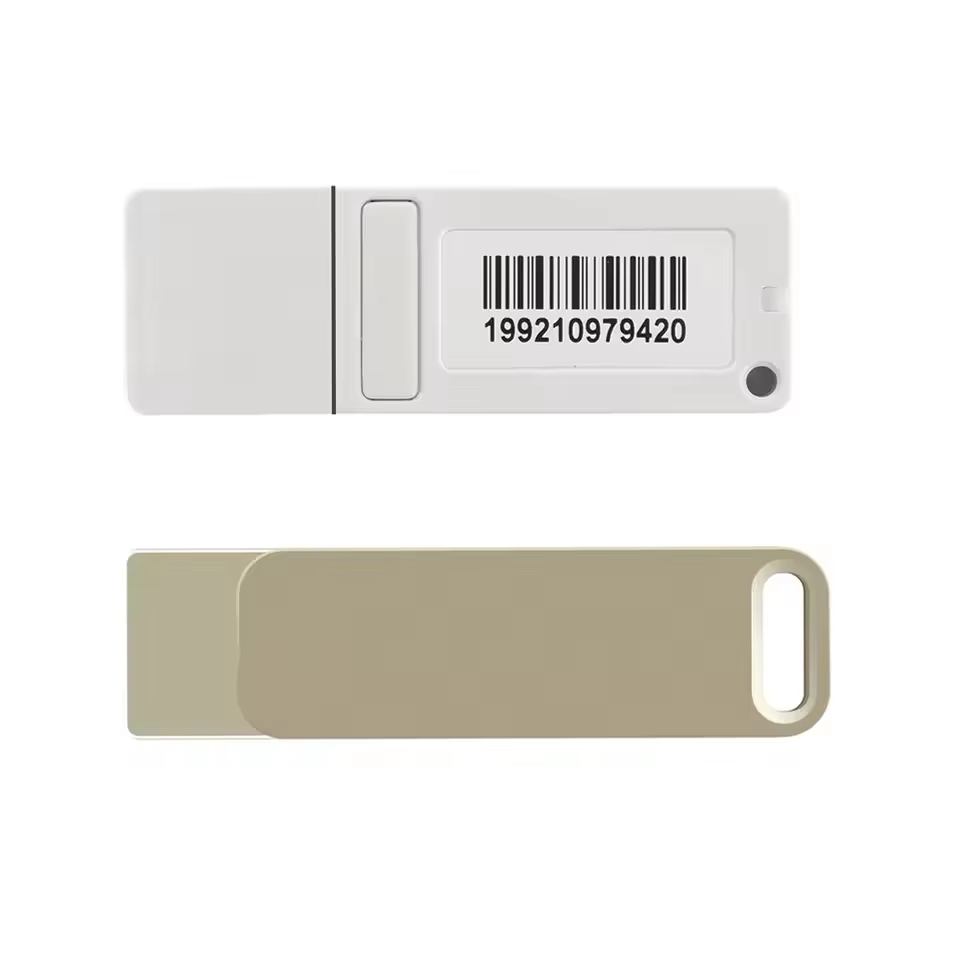
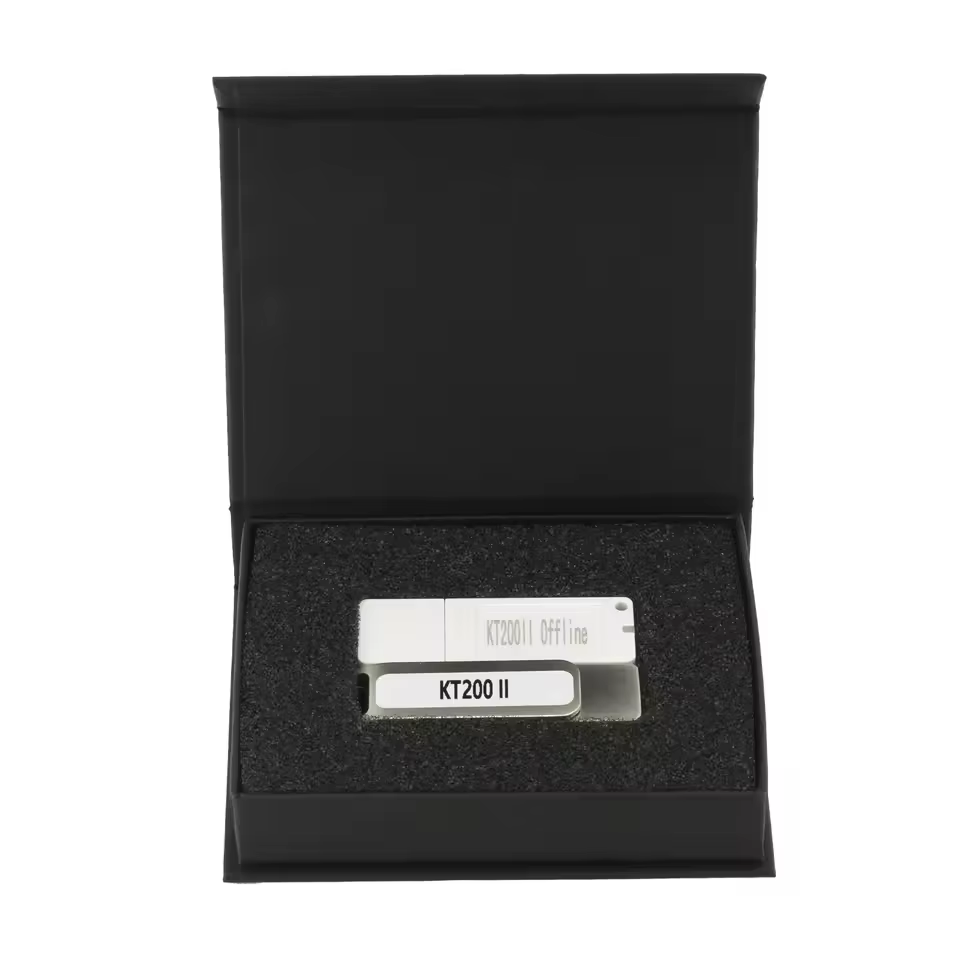
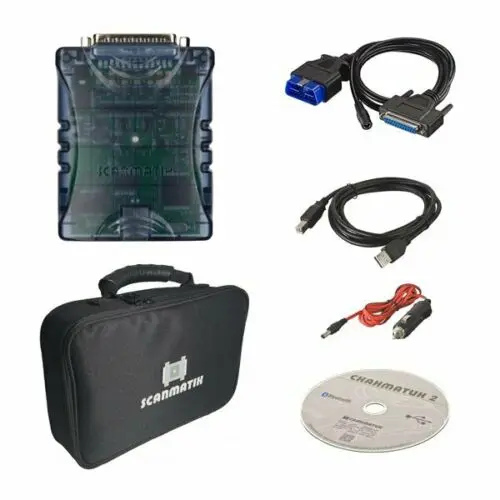
Newly KT200 II Offline Workstation USB Dongle for KT200 II ECU Programmer Full Version ECU Maintenance DTC Removal Read & Write
Item No. CT245
In Stock.
History sold.
0 out of 50 global ratings
- 5 stars:0%
- 4 stars:0%
- 3 stars:0%
- 2 stars:0%
- 1 stars:0%
ratings| answered questions
0 out of 5
0 global ratings
- 5 stars:0%
- 4 stars:0%
- 3 stars:0%
- 2 stars:0%
- 1 stars:0%
Latest price:$159.00
Buy Now:
$
149.00
6% off
Fast Shipping & No Tax
US Check: Ship from US
UK Check: Ship from UK
EU Check: Ship from Czech
Looking for help? Please contact Whatsapp: +86-19892834301
- Shipping:
-
Free Shipping
Express Shipping ServiceEstimated delivery time: 3-5 Working Days
- Quantity:
- Stock:32

- Weight:
- 0.2 KG
- Package:
Related Download Files
Share
Newly KT200 II Offline Workstation USB Dongle for KT200 II ECU Programmer Full Version ECU Maintenance DTC Removal Read & Write
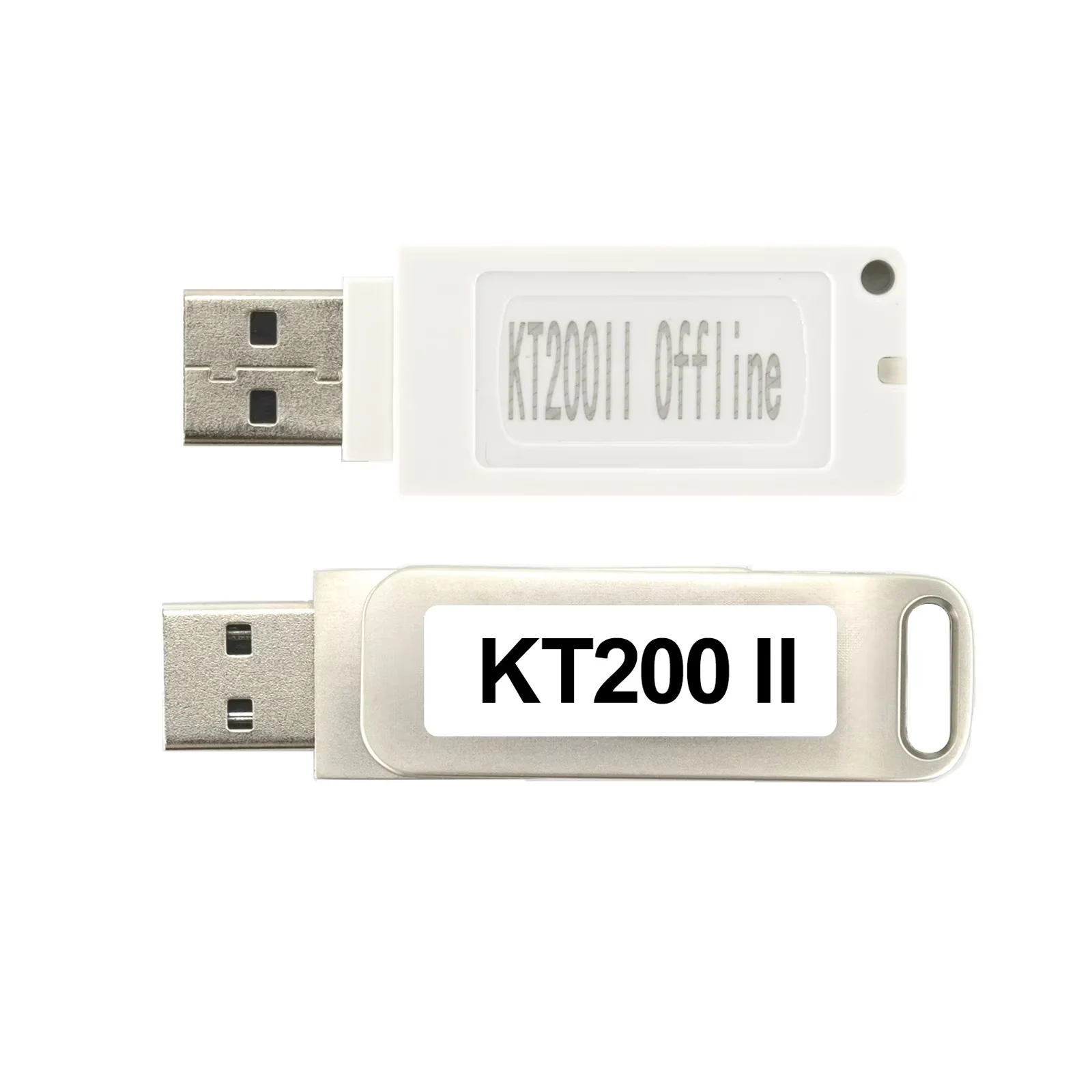
KT200 II Full Version Offline Work Station
U disk contains software and installation instructions. It must be installed online before it can work offline.
Notice:
1. This Offline Work Station works with KT200 II Full Version Only.
2. If you have KT200 II Basic Only, please contact us to pay to update to Full Version, then you work with the Offline Station too.
3. Default shipping is post service which will take 12 working days around.
KT200 II Offline Work station Manual:
1. Plug in the device (black disk), run the setup, and install the KT200 II Software
2. After installing the KT200 II Software, make sure the C drive has a capacity of 15G or more.
3. Make sure you have enough space to run the installation of KT200 II_ftp.
4. After completing the installation, insert the white dongle and run the KT200 II.exe program to complete the first update activation.
5. Complete the activation and open the Software.
KT200 offline workstation Offline dongle
KT200 offline workstation of 5 steps to install:
1.Plug in the device, run the setup, and install the KT200 software.
2. After installing the KT200 software, make sure the C drive has a capacity of 15G or more.
3.Make sure you have enough space to run the installation of KT200_ftp.
4.After completing the installation, insert the dongle and run the KT200.exe program to complete the first update activation..
5.Complete the activation and open the software
How to Use KT200 II Offline Workstation?
1. Plug in the black USB disk, run the setup, and install the KT200 II Software.
2. After installing KT200 II Software, make sure the C drive has a capacity of 15G or more.
3. Make sure you have enough space to run the installation of KT200 II _ftp.
4. After completing the installation, insert the dongle and run the KT200 II .exe program to complete the first update activation.
5.Press Yes to activate.
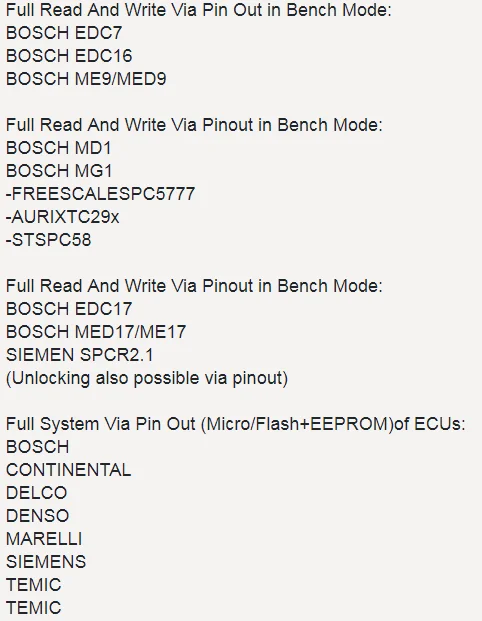
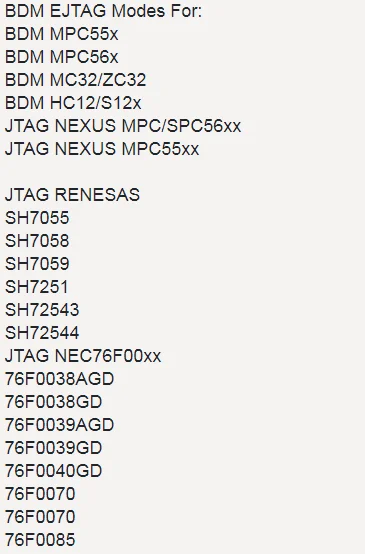
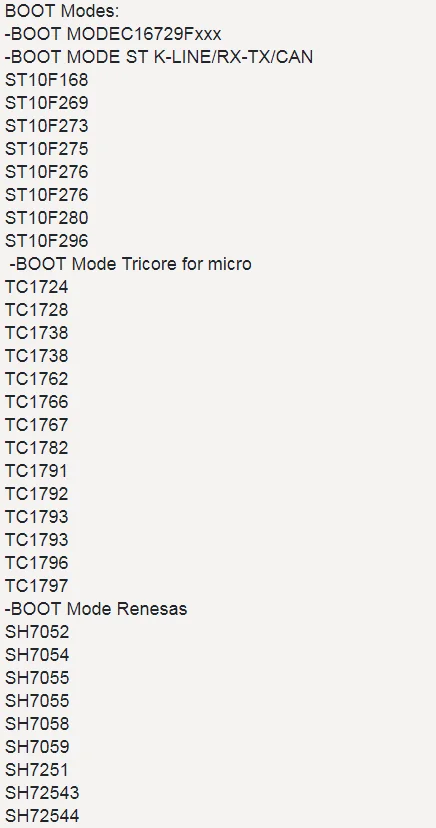
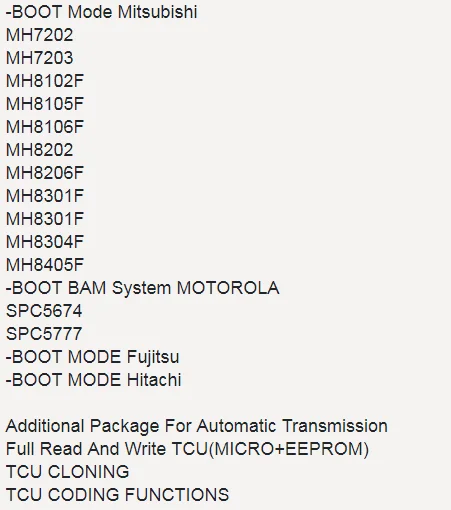
Support Mode
Customer Questions & Answers
Customer Reviews
0 Stars of 5,0 Reviews.
- 5 stars:0%
- 4 stars:0%
- 3 stars:0%
- 2 stars:0%
- 1 stars:0%
Share your thoughts with other customers.
Write a reviewTop customer reviews
You may also like
-
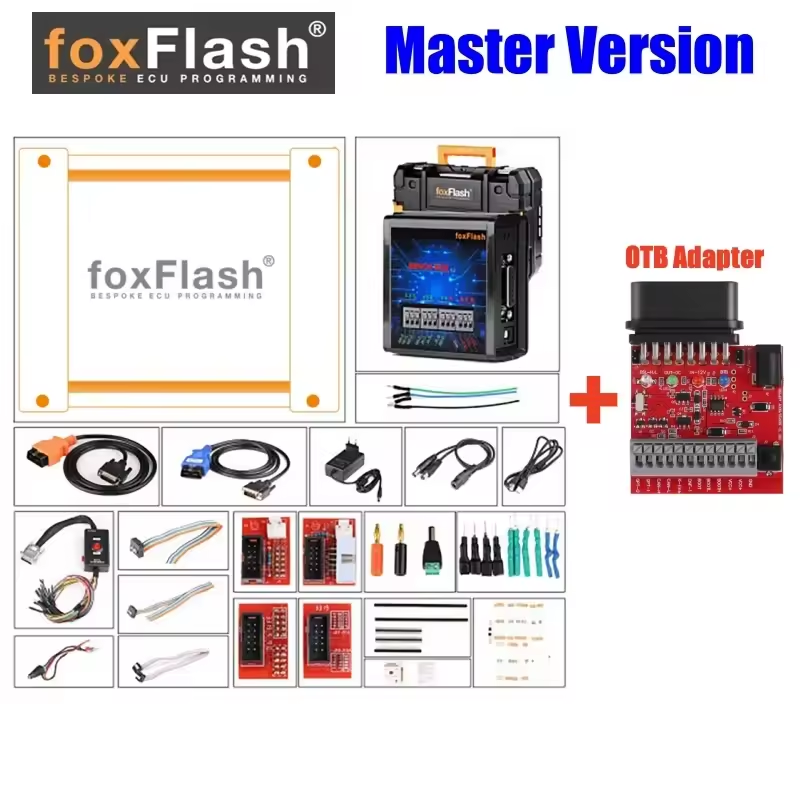
FoxFlash Master Version Super Strong ECU TCU Clone Chip Tuning Tool with OTB 1.0 Expansion Adapter
$739.008% off
-
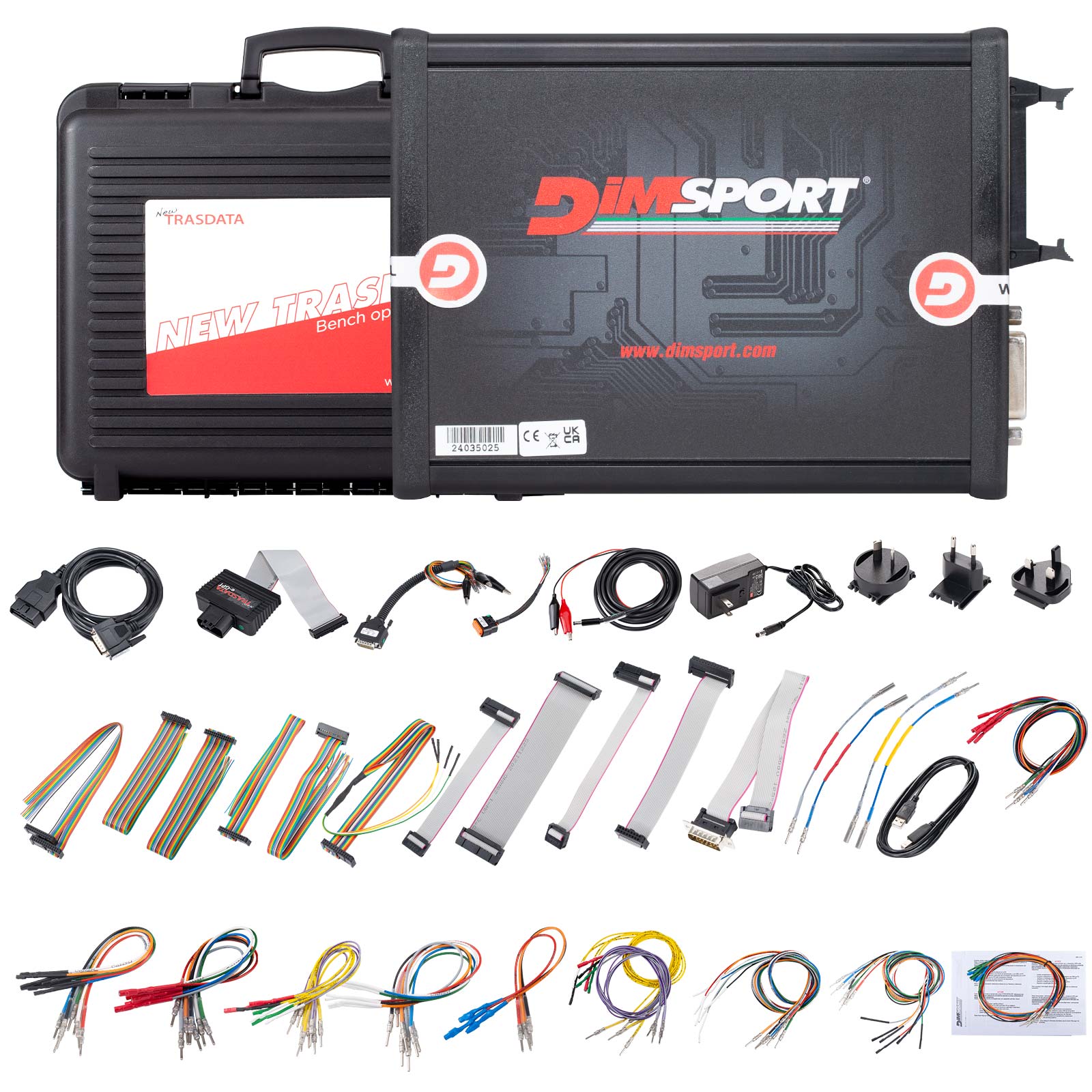
Dimsport New Trasdata Master Version Hardware + Full Software Activation All Vehicle Categories
$5429.001% off
-
KTMOBD ECU Programmer Latest V1.20 Gearbox Power Upgrade Tool For Honda/Toyota/Hyundai/KIA/ Ford/Volkswagen
$289.006% off

-
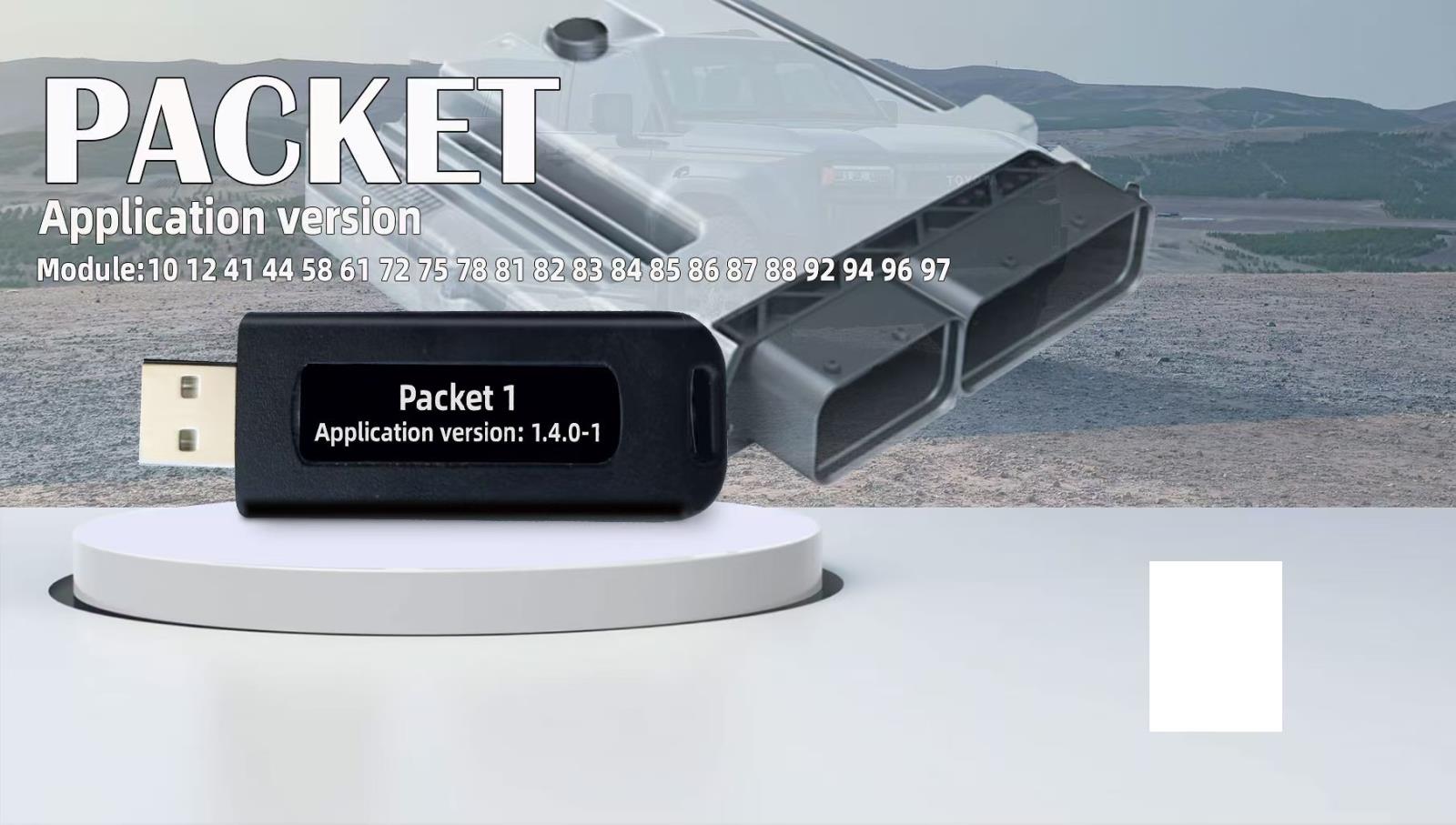
USB Dongle ECU Programming Tunning Tools EEPROM Flasher For SM2 Pro SM3 for PCM master Newest Modules PACKET 1 License
$319.006% off


- Payment:

-
Tel
+86-19892834301 -
WhatsApp