 EUREuro
 GBPBritish Pound
 AUDAustralian Dollar
- WhatsApp:+86-19892834301
- Email: automantool@hotmail.com
- Skype:autoobdtop

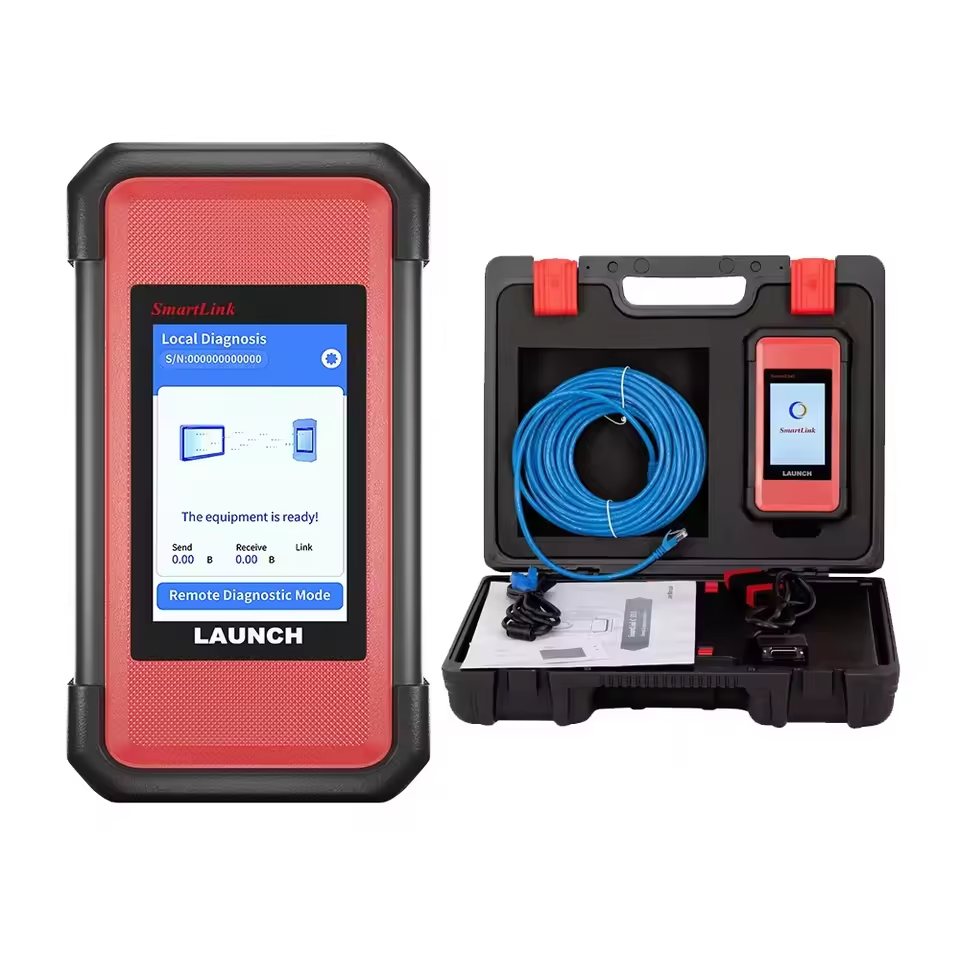
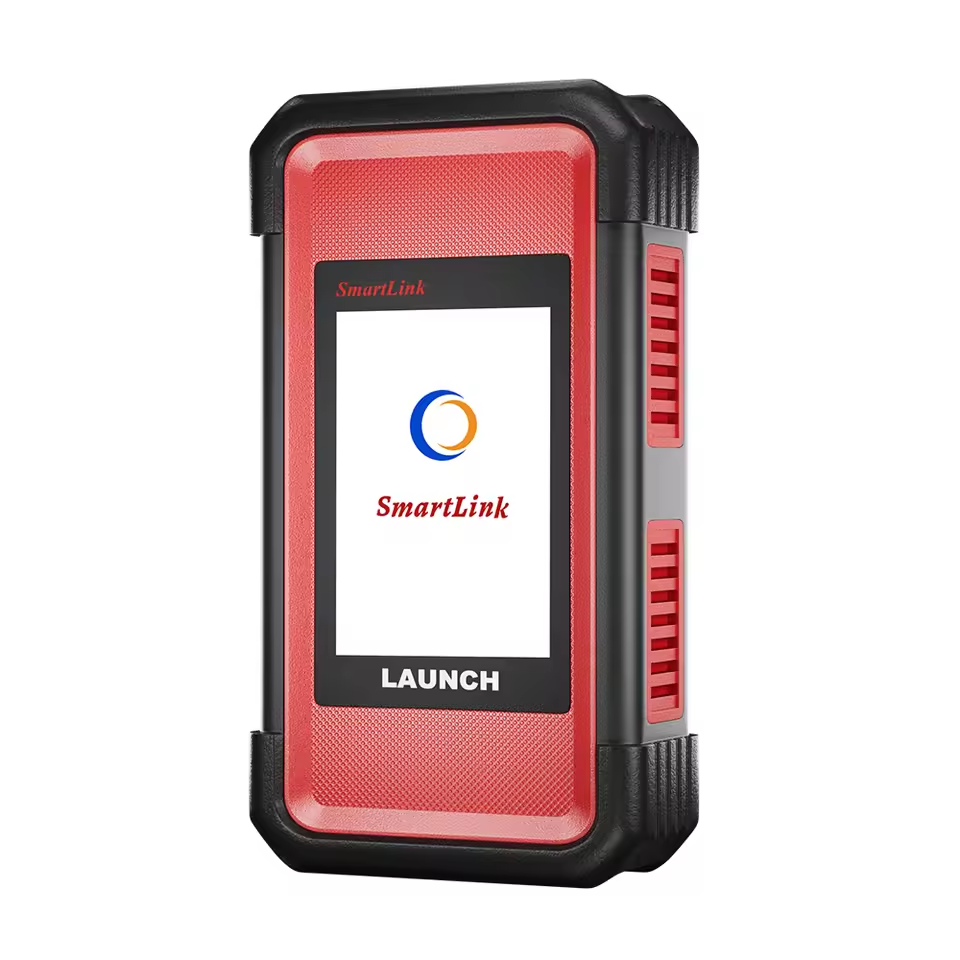
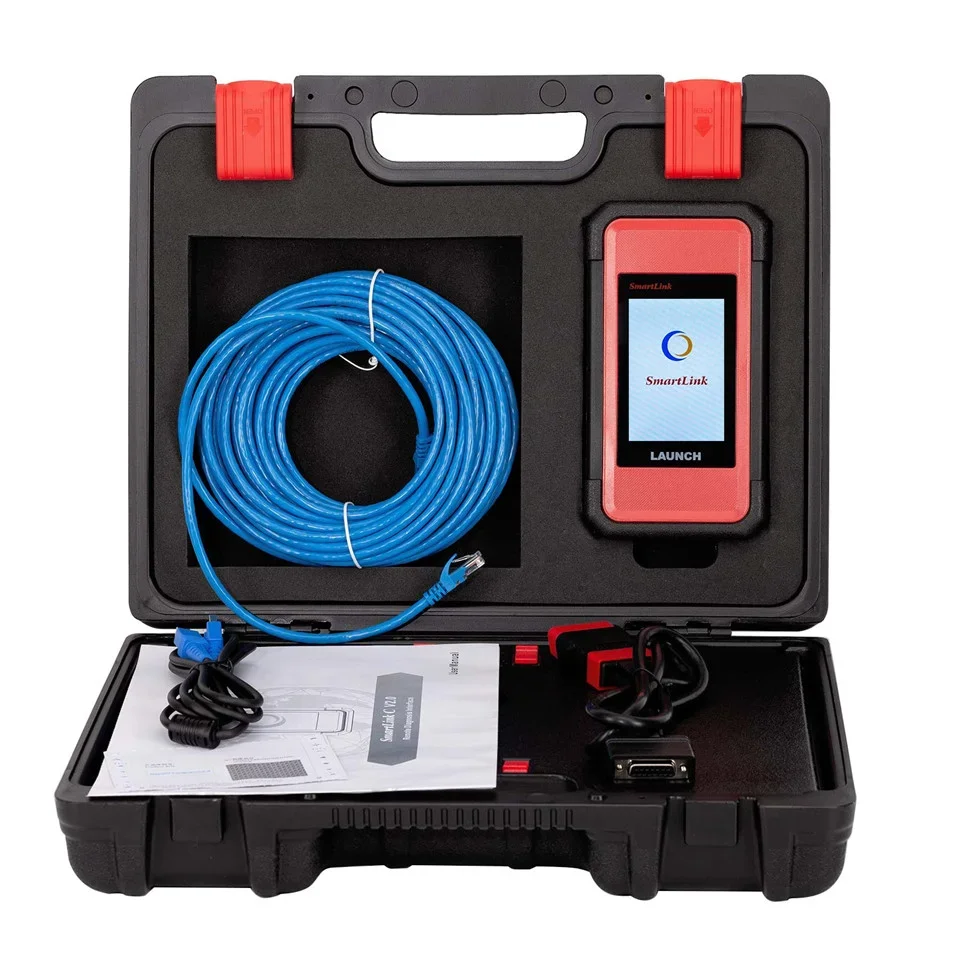
Launch SmartLink C V2.0 Super Remote Diagnosis Tool Vehicle Data Link Connector
Item No. LX308
In Stock.
History sold.
0 out of 50 global ratings
- 5 stars:0%
- 4 stars:0%
- 3 stars:0%
- 2 stars:0%
- 1 stars:0%
ratings| answered questions
0 out of 5
0 global ratings
- 5 stars:0%
- 4 stars:0%
- 3 stars:0%
- 2 stars:0%
- 1 stars:0%
Latest price:$559.00
Buy Now:
$
499.00
11% off
Fast Shipping & No Tax
US Check: Ship from US
UK Check: Ship from UK
EU Check: Ship from Czech
Looking for help? Please contact Whatsapp: +86-19892834301
- Shipping:
-
Free Shipping
Express Shipping ServiceEstimated delivery time: 3-5 Working Days
- Quantity:
- Stock:31

- Weight:
- 4.2 KG
- Package:
Related Download Files
Share
Launch SmartLink C V2.0 Super Remote Diagnosis Tool Vehicle Data Link Connector
The SmartLink Remote Diagnostics System is a newly developed powerful service system dedicated to remote vehicle diagnosis and service. In this system, SmartLink B (Business), as a SmartLink Service Provider, can accept remote repair orders issued by SmartLink C users via SmartLink Service Platform.
Launch X-431 SmartLink C 2.0 is a heavy-duty vehicle diagnostic module developed by Launch Company based on Linux system, dual processor Cortex-A7+Cortex-M7, 8G storage, 256M storage, 320*480 resolution.
It supports Bluetooth, Wi-Fi, USB and other communication methods, and can be used with X-431 PRO3S and PRO5 series. It also support full system fault diagnosis, with functions such as code reading, code clearing, data stream reading, special functions, and action test. Covering for Cummins, for Bosch, for Weichai, for Shangchai, for Yuchai, for Xichai, for Chaochai, for Yangchai, for Quanchai and other engine diagnostic software, it supports trucks, buses, construction machinery, agricultural machinery, trailers, ships and other types of vehicle software.
Feature :
1. Compatible with LAUNCH tools (X431 PAD V, PAD VII, PRO5, and X431 PRO3 V+ Elite), OE tools or any other diagnostic tools
2. SmartLink C can be used not only remote diagnosis but also local diagnosis by working with particular LAUNCH intelligent diagnostics
3. Supports more advanced protocols like DoIP, CAN FD, CAN 2.0
4. Publish request and accept offer from Launch Super Remote Diagnosis Reservation Platform
5. Compared with SmartLink 1.0, the SmartLink V2.0 is:
1) WIFI signal improved
2) Better heat dissipation
3) DB15 connector to get more fastened
6. The remote diagnosis function can be activated to allow users to diagnose vehicles from a thousand miles in most European countries
(North America and Australia are not supported)
Why choose Super Remote Diagnosis?
■ No in-depth diagnostic knowledge and experience is required. You have many experts behind you.
■ Only a Smartlink C in local, and you have many diagnosis tools to support through SRDs.
■ With SRDs, any diagnosis functions are possible.
Launch Smartlink 2.0 Remote Diagnosis Function Instruction:
Type 1 :USA, Canada, Mexico
Restricted (asRech is the exclusive service provider)
Type 2:Australia, Brazil, Japanese
Restricted (asRech is the exclusive service provider)
Type 3: UK, French, Spain, Sweden, Switzerland, Ragland, Netherlands,
Germany, Finland, Lithuania, Norway, Italy, Greece, Estonia,
Belgium, Portugal, Austria, Denmark, Ireland Slovenia
No restrict ( asRech is not patented and does not provide remote services locally.
Other service providers can also exist and there is no patent fee.)
Type 4:Others country
No restrict ( asRech is not patented and does not provide remote services locally.
Other service providers can also exist and there is no patent fee.)
How does Launch SmartLink work?
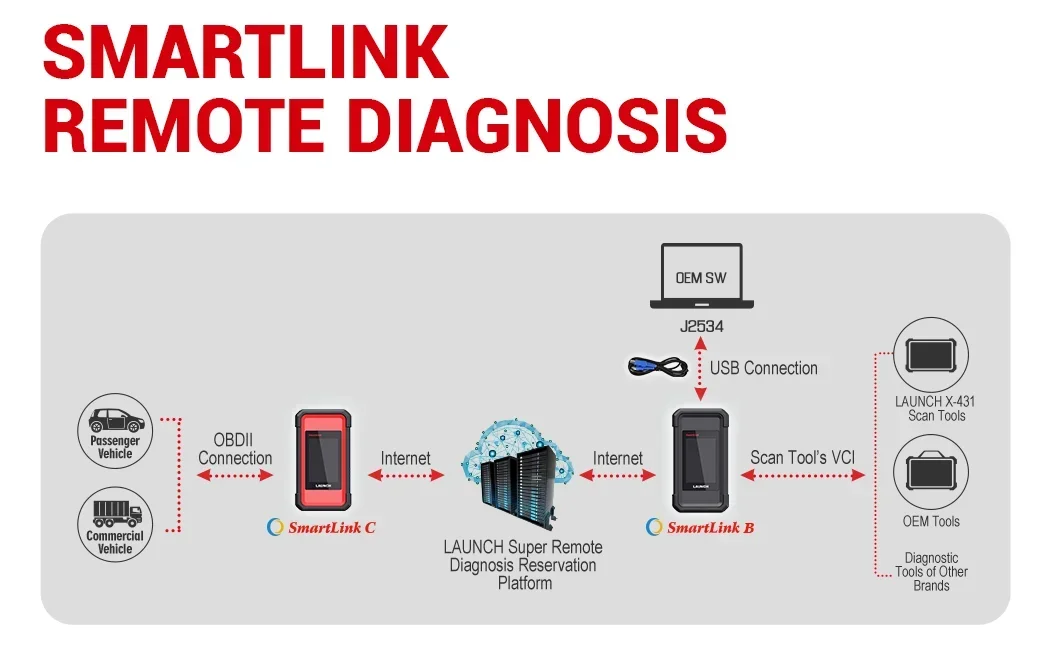
It contains SmartLink C, SmartLink B and LAUNCH Super Remote Diagnosis Reservation Platform.
■ Smartlink C is for Auto repair factory, etc (as client end)
X431 SmartLink C is connected to vehicle via OBDII cable, and connected to LAUNCH Super Remote Diagnosis Reservation Platform via Internet, Launch J2534 Tool needs to be installed on PC and connected to Launch Reservation Platform as well.
■Smartlink B is for remote engineer/technician (as business end)
It is connected to Launch X431 scan tool, OEM tool or other brand diagnostic tools via VCI/OBDII connection, and connected to Launch Reservation Platform via Internet.
How to Activate Launch SmartLink Remote Diagnosis function?
1.For Launch X431 PRO5/PAD V/PAD VII with X431 SmartLink C:
Buy Launch Annual Activation Card (1 Year) or Renewal Card (Times Cards).
Way 1: Buy Launch Annual Activation Card
In this way, the function will be valid within 1 year.
After the subscription expires, renew it or buy a renewal card (Times Cards)
Way 2: Buy Renewal Card (Times cards)
Active renewal card (free 3 times included and they are invalid within 1 year)
After activation, users could buy 1/ 10/ 20/ 50 times activation cards.
After connections run out, buy connections or buy renewal card (1 Year)
2.For Launch SmartLink C Only
Buy Launch Annual Activation Card (1 Year) or Renewal Card (Times Cards).
Only the Renewal card (times card activation) is different from the X431 Pro5/Pad5/Pad7 with SmartLink C, others are the same.
3.For SmartLink B, buy Smartlink B annual renew card (valid for 1 year).
In this way, the function will be valid within 1 year.
After the subscription expires, renew it. (Smartlink B annual renew card)
How to post remote car repair request by Launch X431 SmartLink C?
After registering and activating X431 SmartLink C, you can post a remote car repair request as follows:
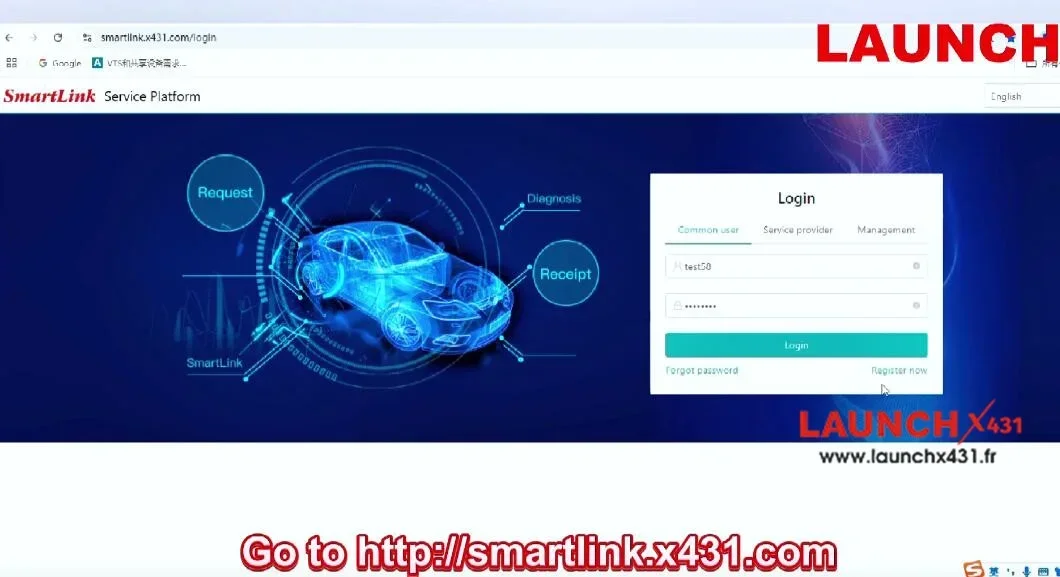
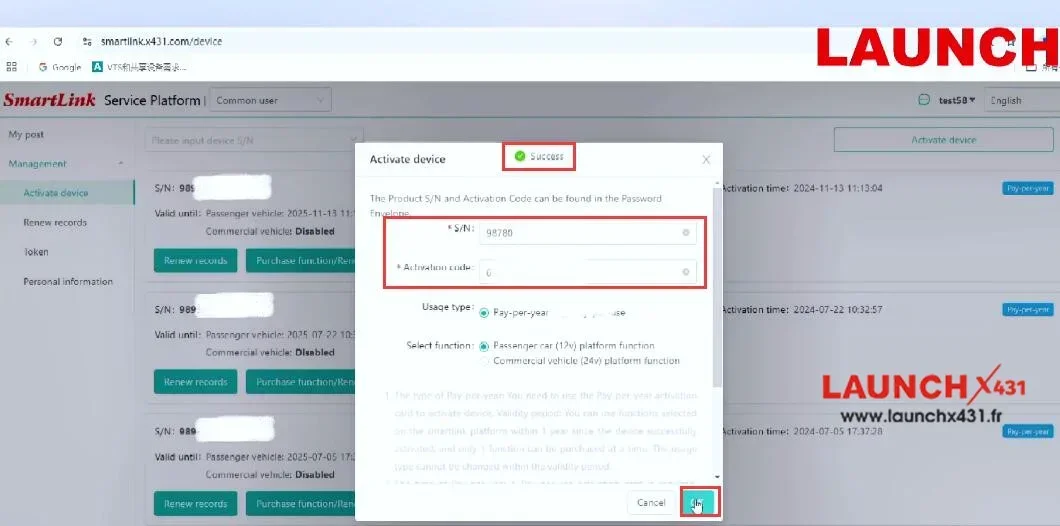
1.Click My post>> Create an appointment
2.You can select a specific expert to schedule a service or simply post a request
3.In the top right corner, choose vehicle details
For example: Volvo>> XC60>> 2018-2022>> All
4.Specify the issue to be solved, and then click "Submit"
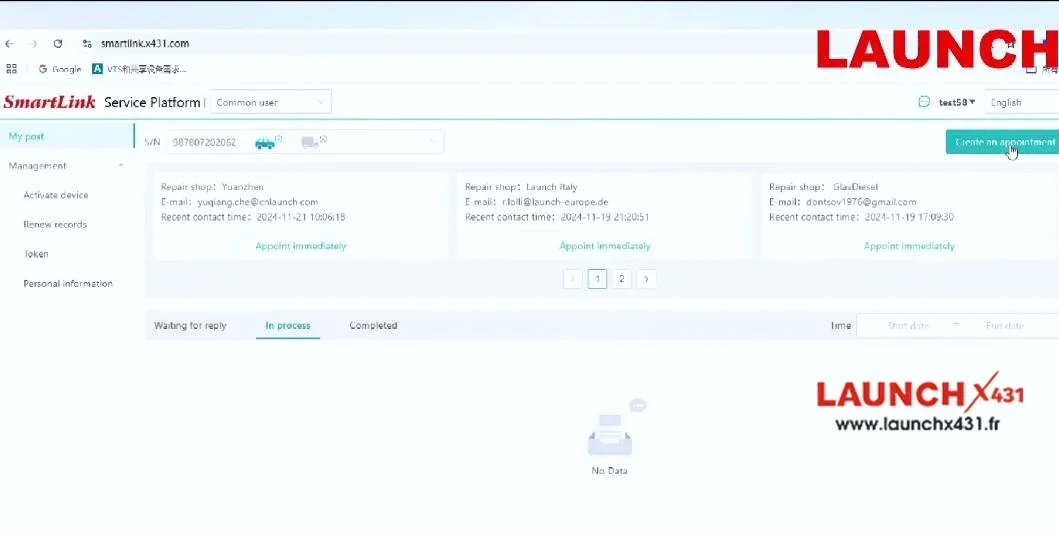
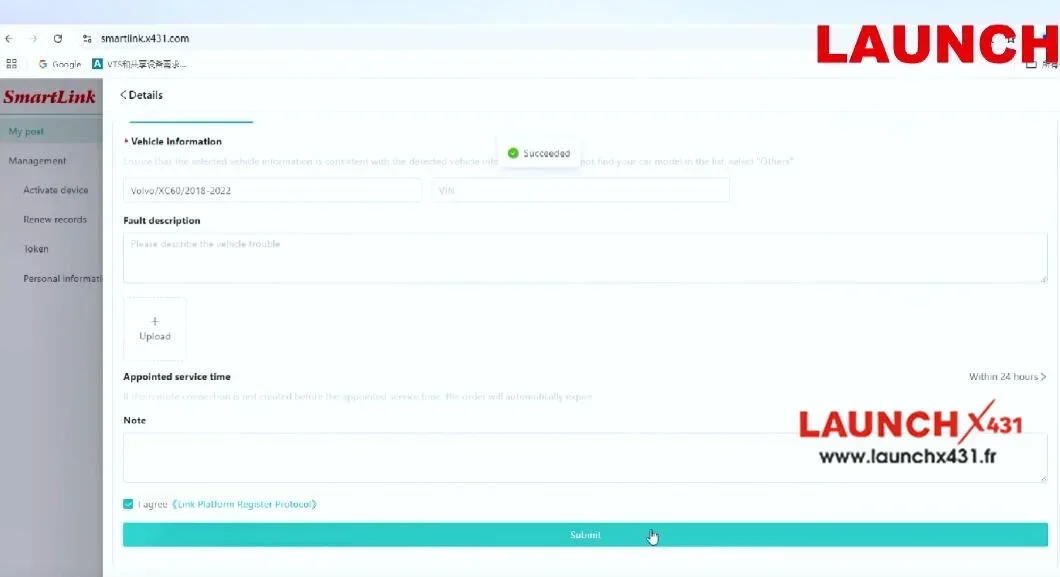
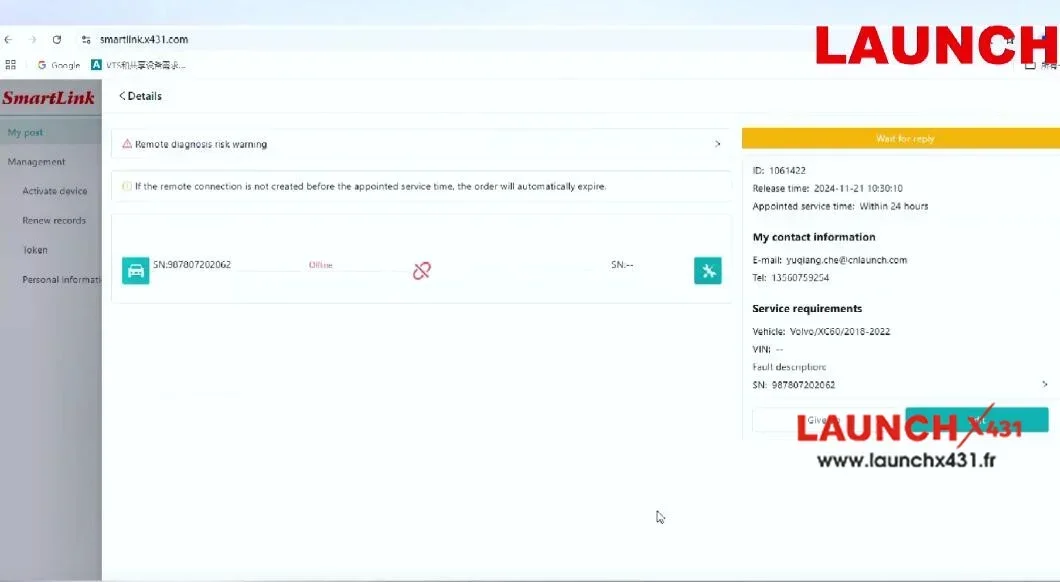
If you've already contacted an expert in advance, there is an even simpler way to submit the request.
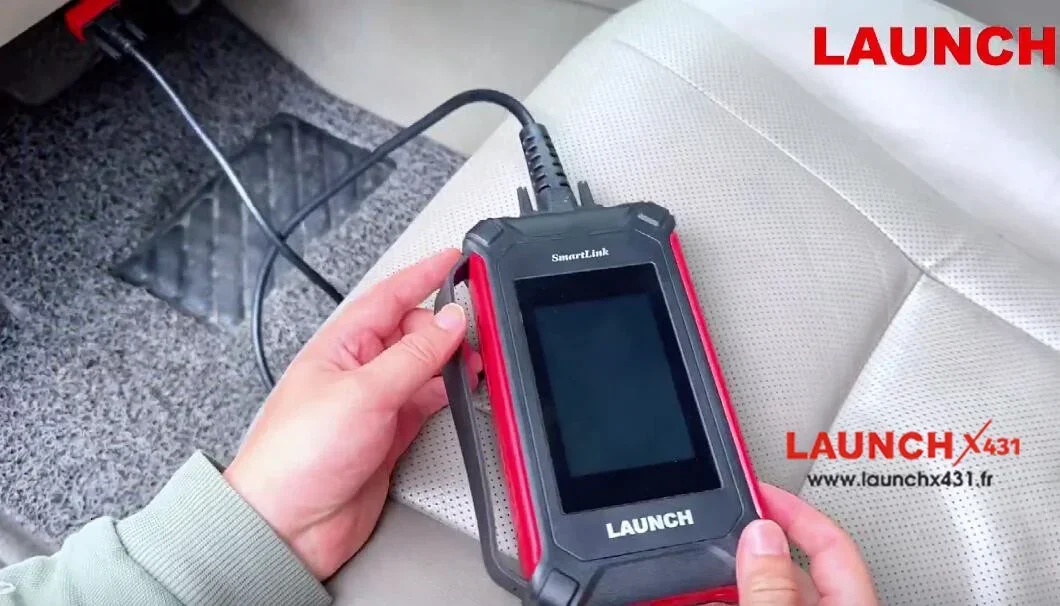
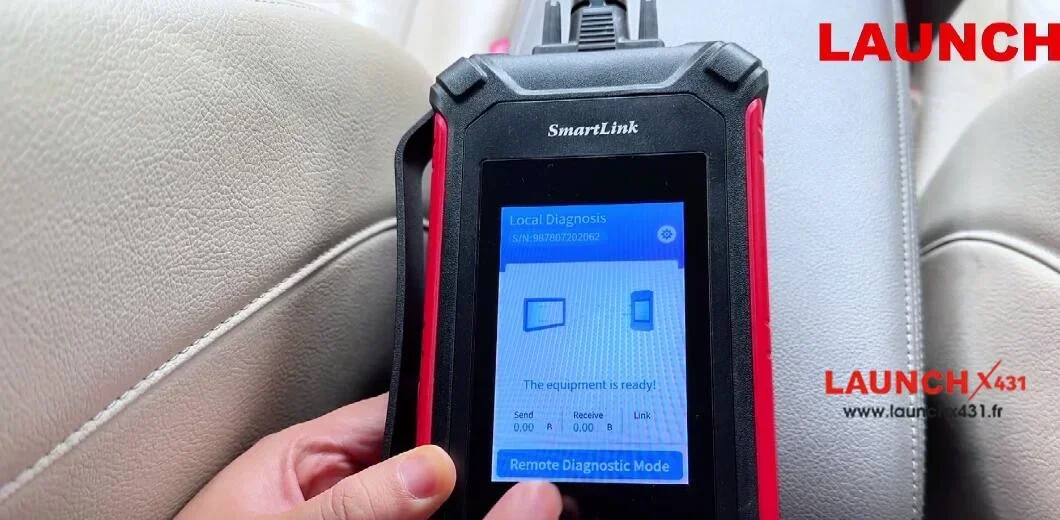
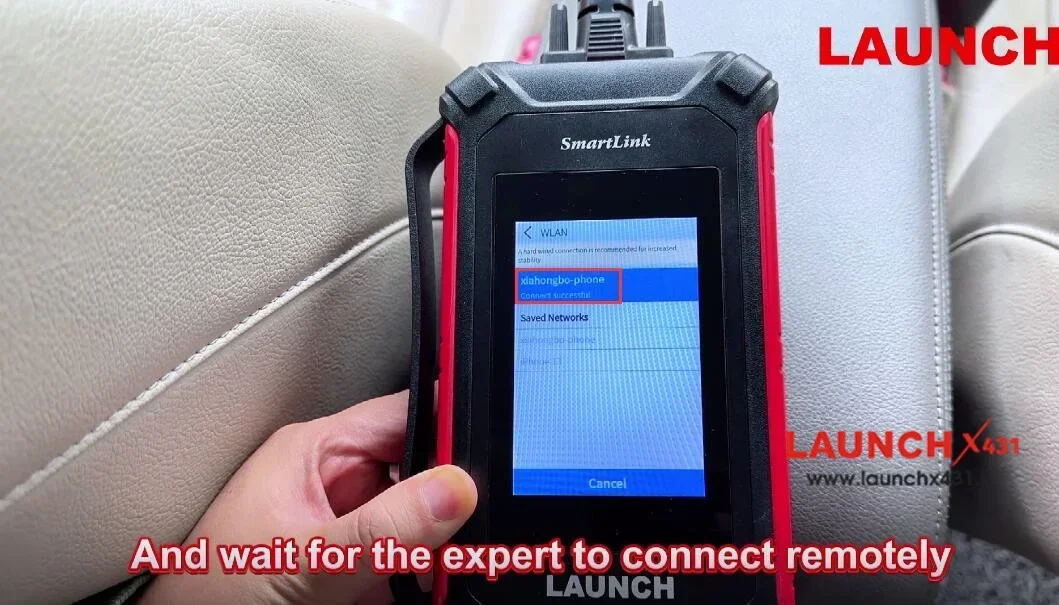
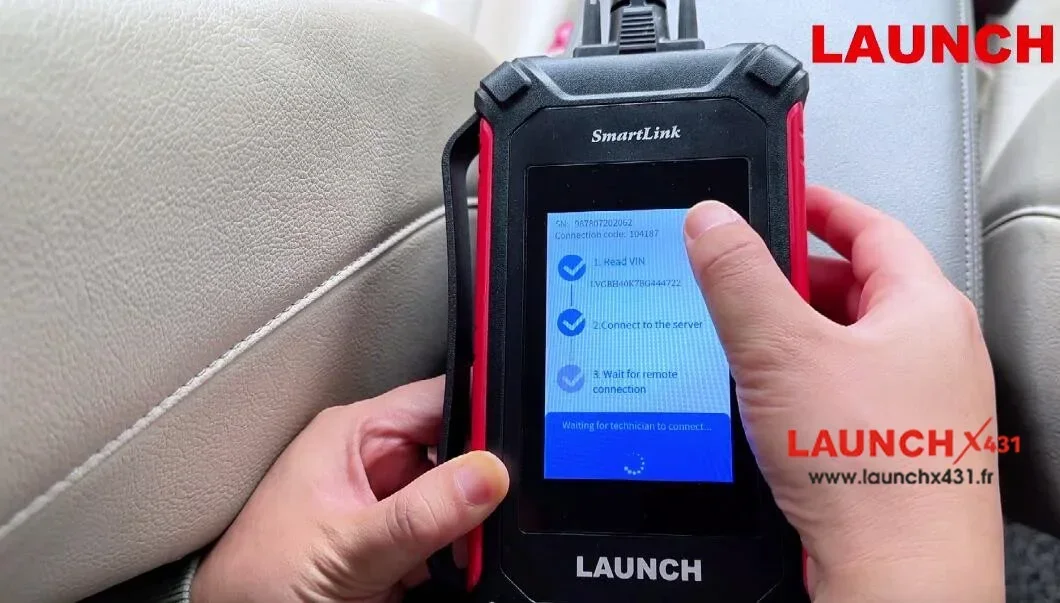
First, plug the SmartLink C into the OBD port of the vehicle
Then connect to the network
Wait for the device to power on automatically
Next, enter the "Remote Diagnostic Mode", and then the SmartLink C will generate a 6-digit key
At last, share the key with the expert you've contacted, and wait for the expert to connect remotely.
SmartLink C Specification:
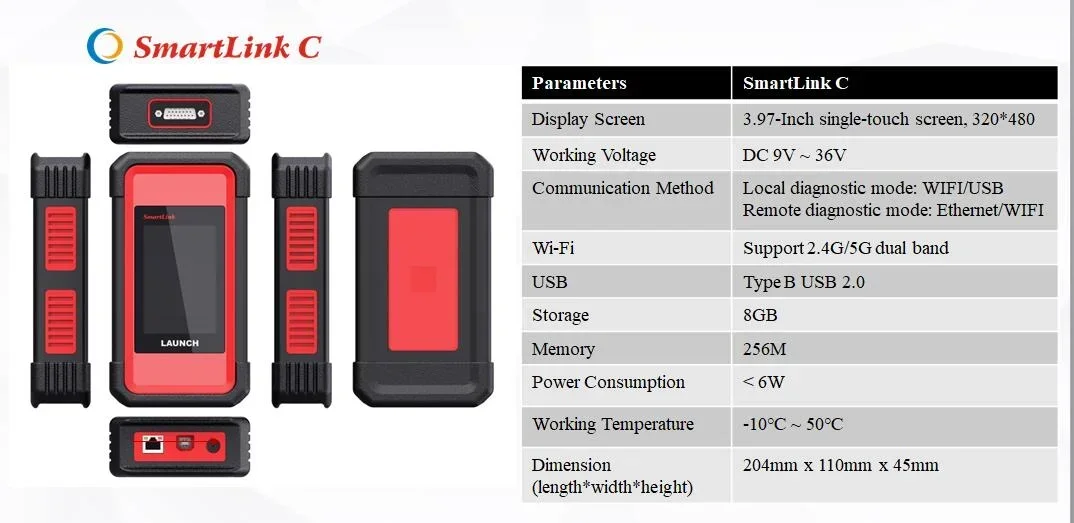
Display: 3.95'' 320*480
Memory:256M
Storage:8GB
Remote Communication
Local Diagnosis: WiFi/BT/USB
SmartLink Remote Diagnosis: WiFi/Ethernet
Working Voltage: 9V DC ~ 36V DC
Dimension:200*110*47 mm
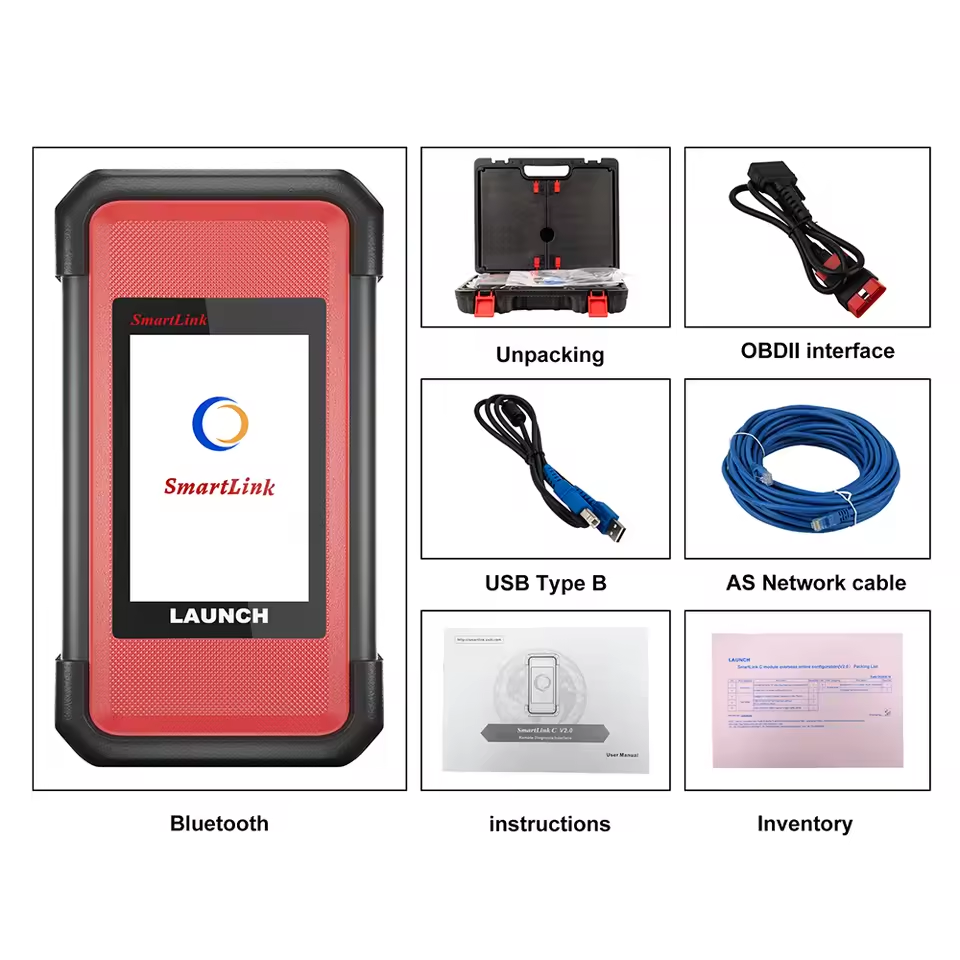
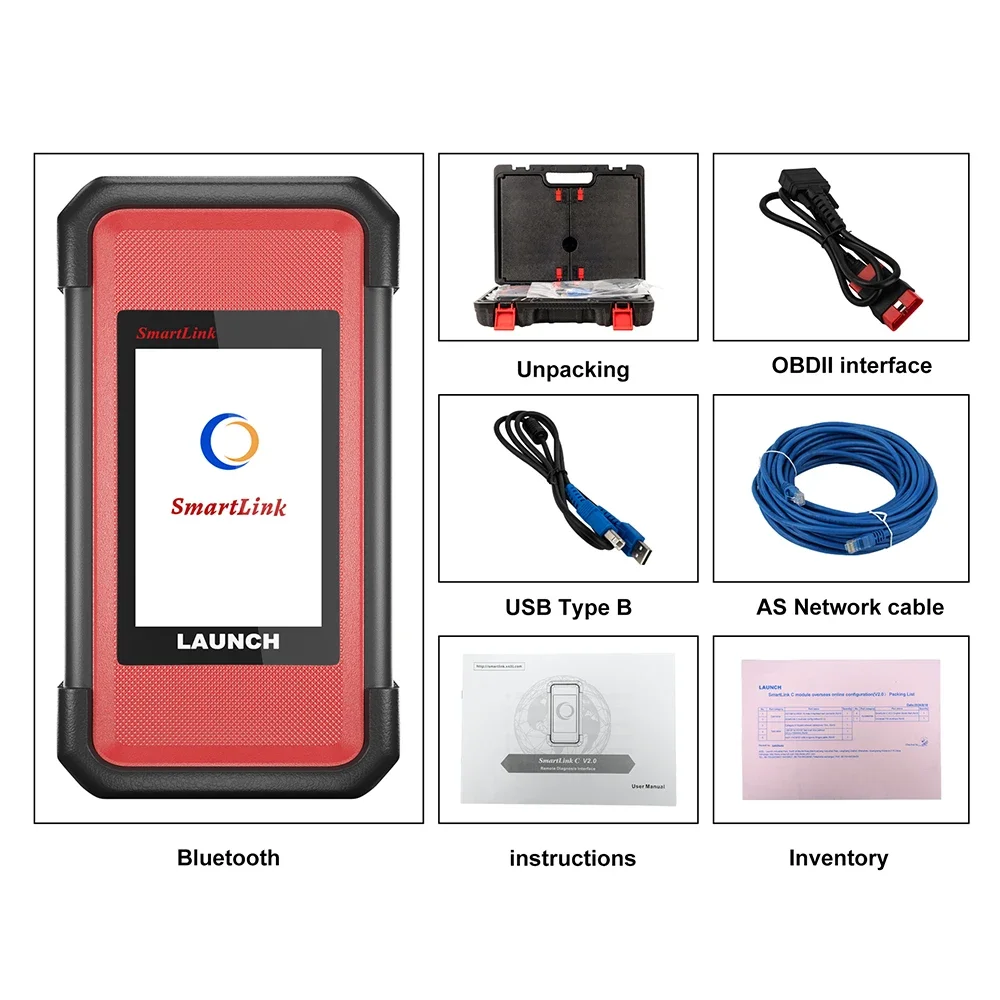
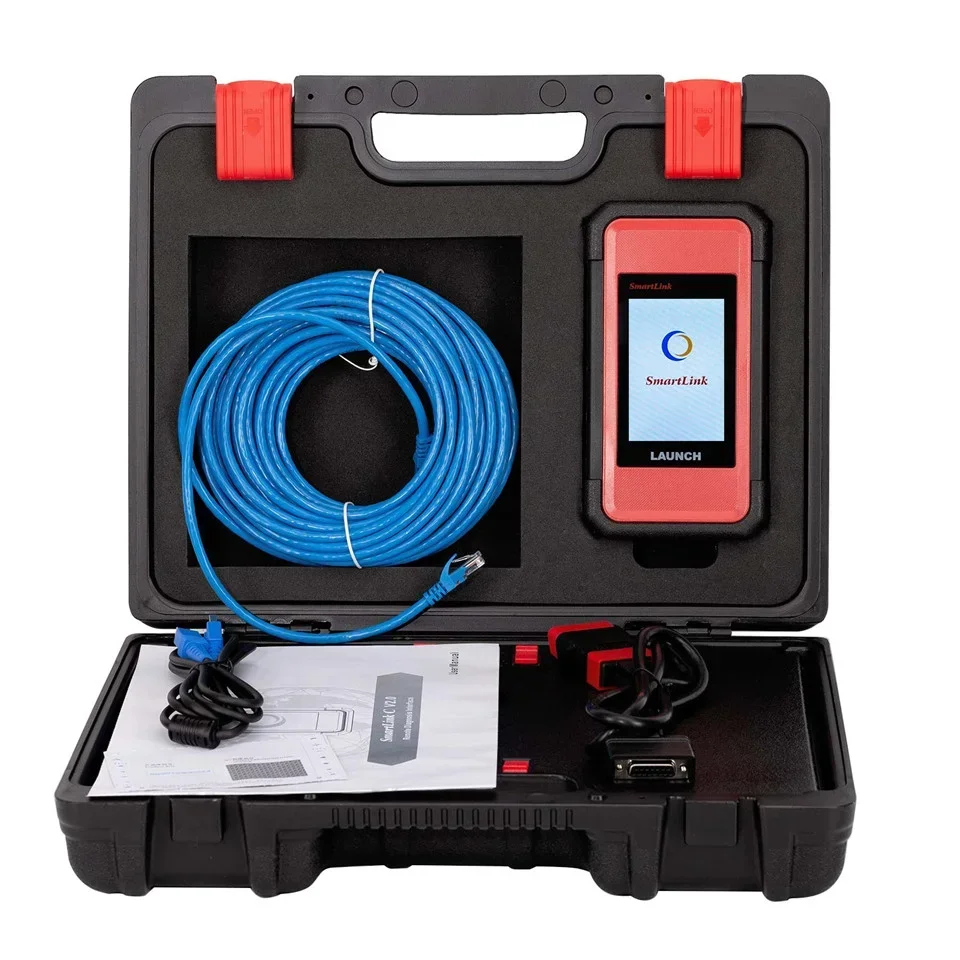
Package List:
1pc x LAUNCH SmartLink C V2.0
1pc x USB cable
1pc x Ethernet cabl
1pc x main cable
1pc x OBD2 adapter
Customer Questions & Answers
Customer Reviews
0 Stars of 5,0 Reviews.
- 5 stars:0%
- 4 stars:0%
- 3 stars:0%
- 2 stars:0%
- 1 stars:0%
Share your thoughts with other customers.
Write a reviewTop customer reviews
You may also like
-
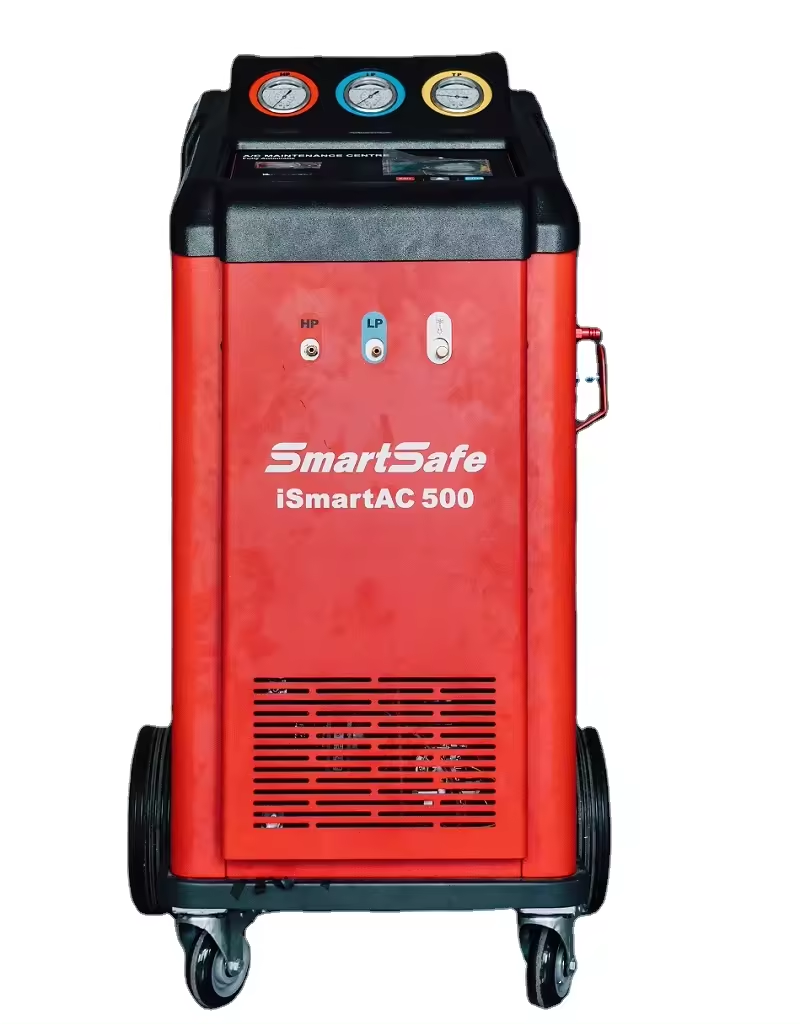
Launch VALUE-500 PLUS Automotive Air Conditioning Station Refrigerant Recovery Machine
$1499.004% off
-
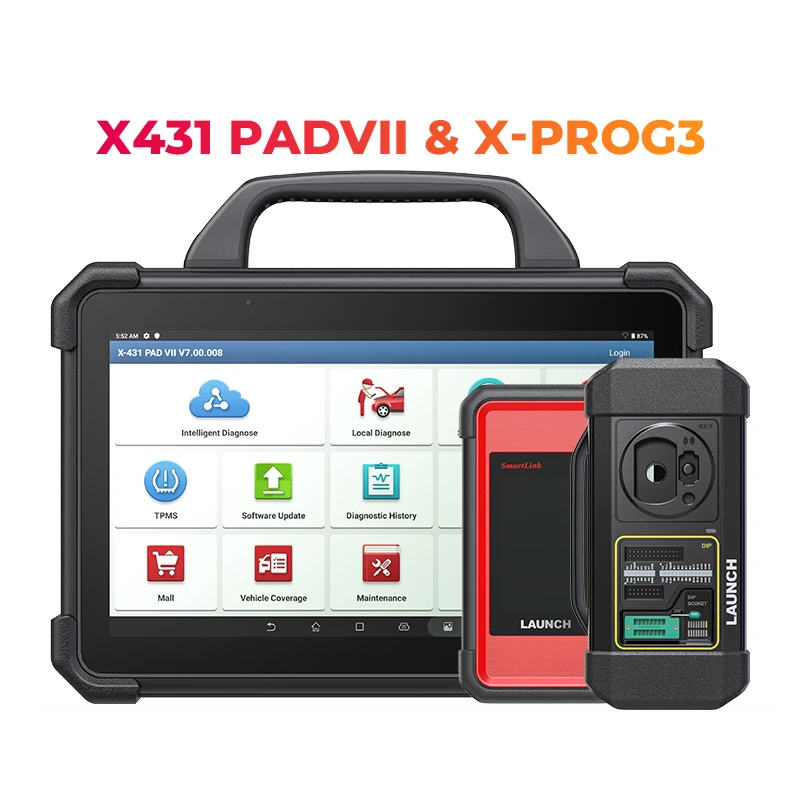
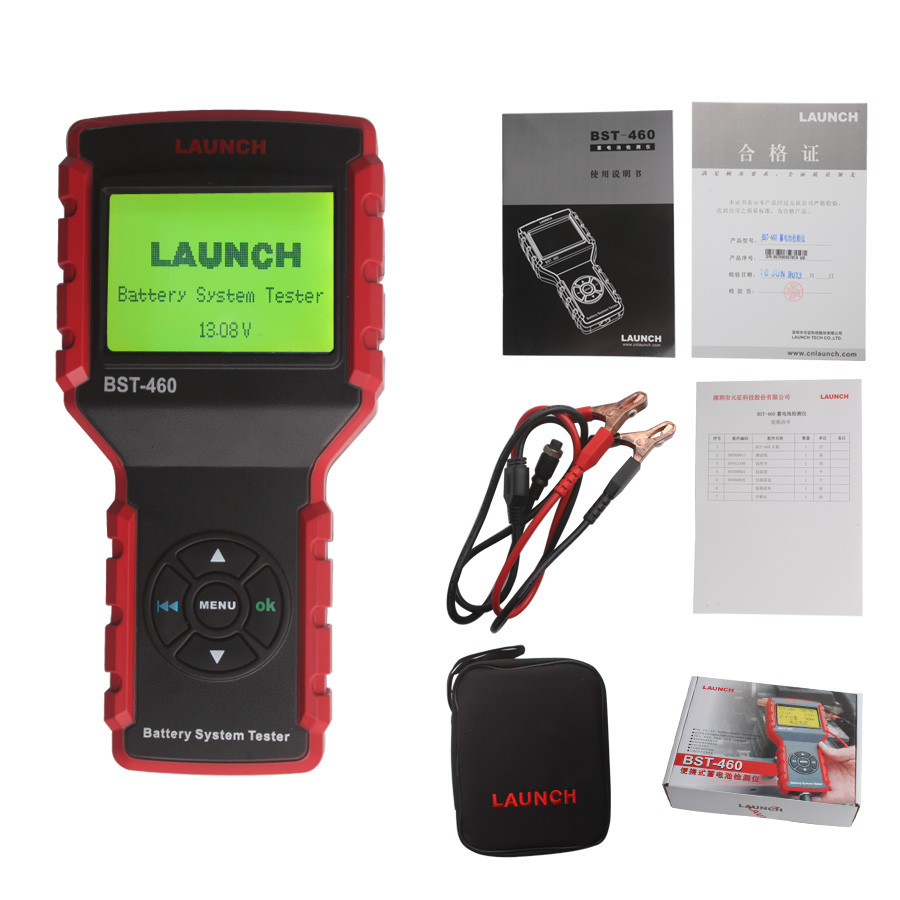
Original Launch BST-460 Battery System Tester
$139.007% off
-
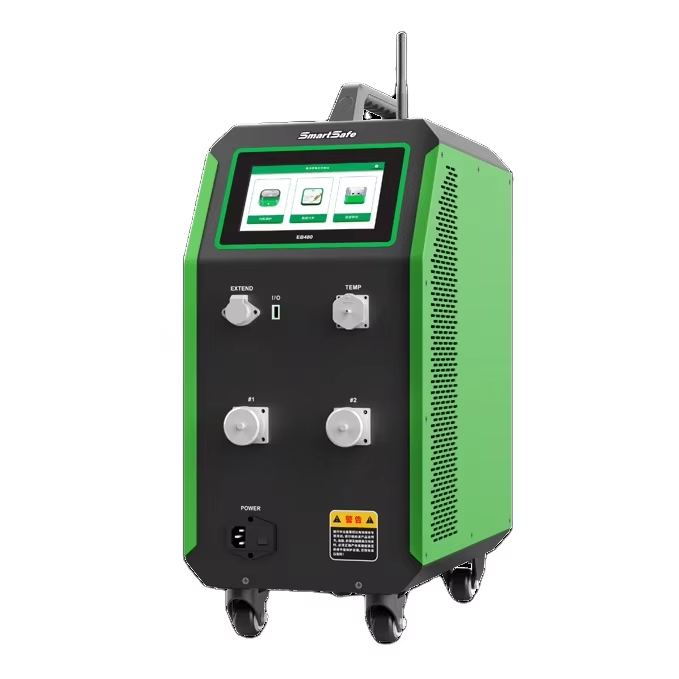
SMARTSAFE ISmartEV EB480 48-Channel EV Lithium Battery Cell Equalizer for Electric Vehicles With Large 10-inch Screen
$6199.002% off

- Payment:

-
Tel
+86-19892834301 -
WhatsApp