
 EUREuro
 GBPBritish Pound
 AUDAustralian Dollar
- WhatsApp:+86-19892834301
- Email: automantool@hotmail.com
- Skype:autoobdtop

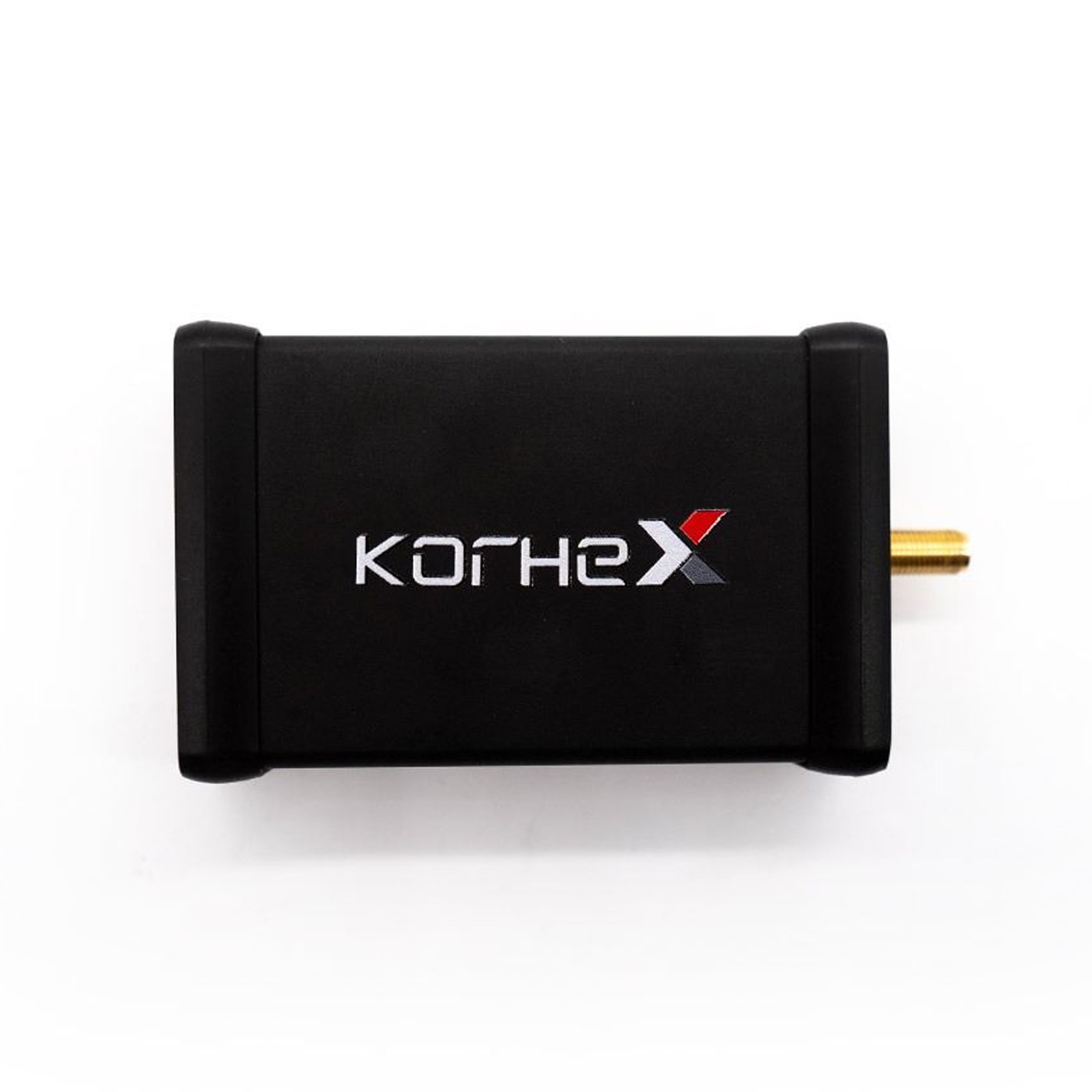
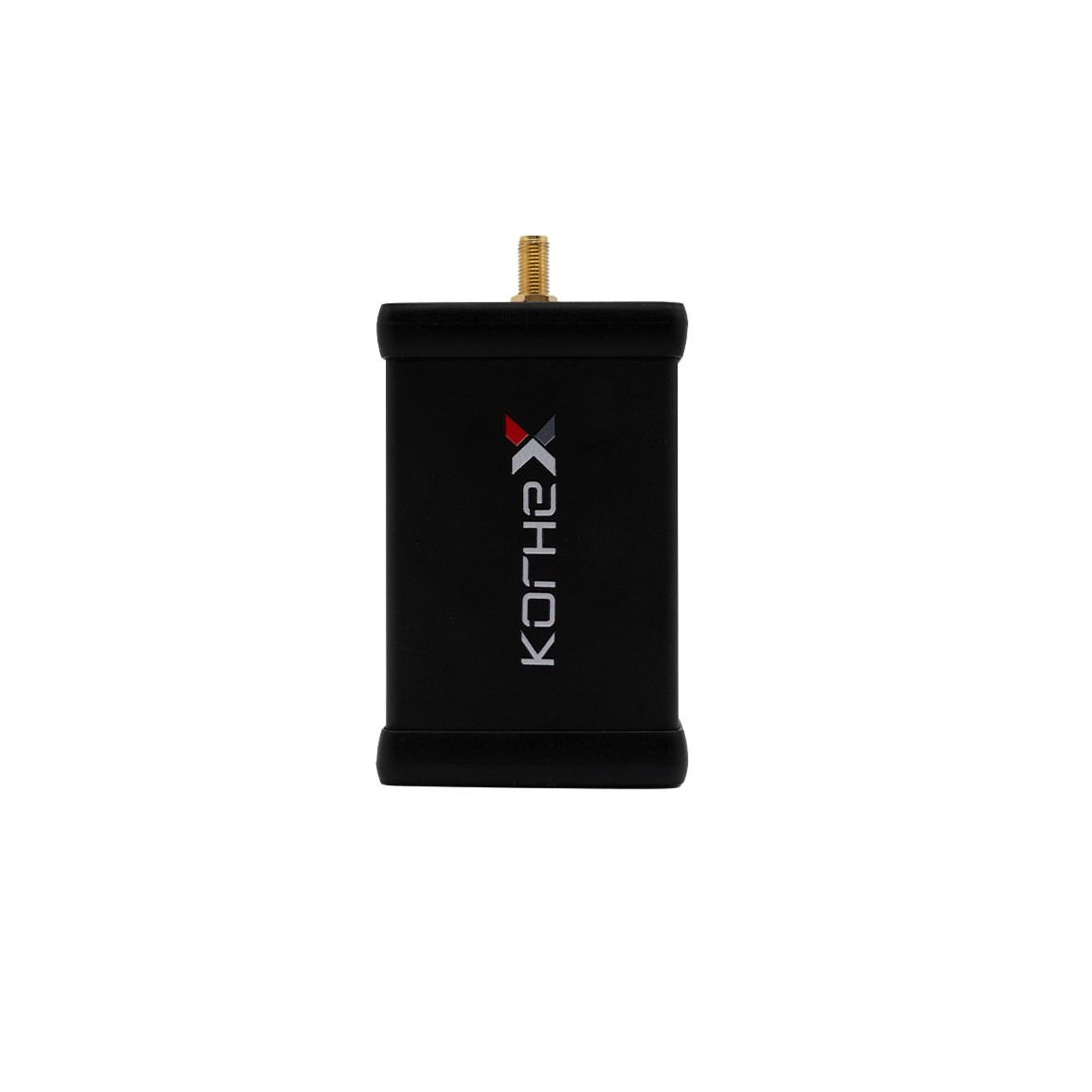
2026 Korhex Boot Glitch and MCU Access Tool Need Work With Magic Motorsport FLEX
Item No. CT246
In Stock.
History sold.
0 out of 50 global ratings
- 5 stars:0%
- 4 stars:0%
- 3 stars:0%
- 2 stars:0%
- 1 stars:0%
ratings| answered questions
0 out of 5
0 global ratings
- 5 stars:0%
- 4 stars:0%
- 3 stars:0%
- 2 stars:0%
- 1 stars:0%
Latest price:$2499.00
Buy Now:
$
2429.00
3% off
Fast Shipping & No Tax
US Check: Ship from US
UK Check: Ship from UK
EU Check: Ship from Czech
Looking for help? Please contact Whatsapp: +86-19892834301
- Shipping:
-
Free Shipping
Express Shipping ServiceEstimated delivery time: 3-5 Working Days
- Quantity:
- Stock:23

- Weight:
- 2 KG
- Package:
Related Download Files
Share
Korhex Boot Glitch and MCU Access Tool Need Work With Magic Motorsport FLEX
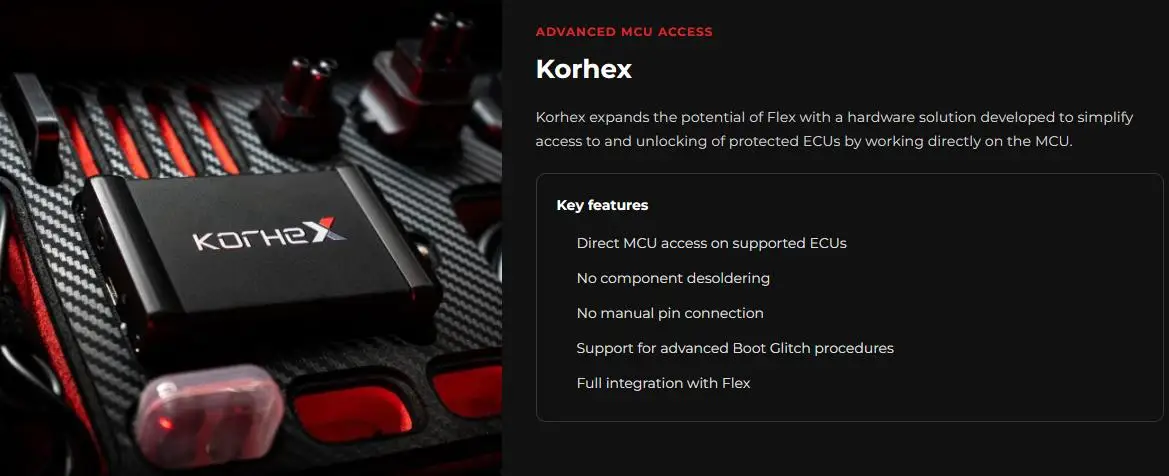
Korhex is a hardware add-on for Flex, designed for direct MCU access during supported ECU unlocking procedures. It works with Flex's Boot Glitch workflow to simplify access to protected ECUs, reducing the need for board flipping, resistor desoldering and manual Boot pin wiring. Unlocking a protected ECU usually means physical work before any software step: flipping the PCB, desoldering resistors, wiring Boot pins by hand. Each extra step adds time on the bench and risk of damage to the board. Korhex is built to simplify that stage, a single dedicated MCU contact point instead of manual rework. 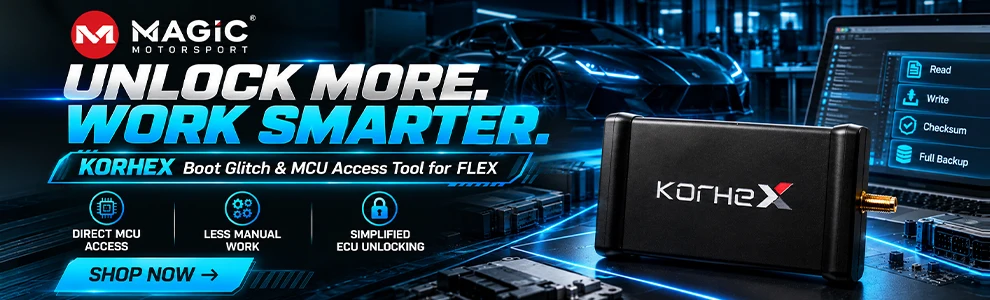
Korhex Key Features:
Direct MCU access on supported ECUs
No component desoldering
No manual pin connection
Support for advanced Boot Glitch procedures
Full integration with the Flex ecosystem
Enhanced Workflow: Reduce physical preparation and simplify complex bench operations
Growing Coverage: A platform designed for continuous protocol and application development.
How to choose:
1. For Flex Full Master and Full Slave customers, only the Korhex hardware device needs to be purchased.
2. Flex customers who do not have a Full configuration must add the Boot Glitch software license FLS0.20 in addition to the Korhex hardware, or upgrade to Full.
3. For New Customer you can buy the Bundle
Package: FLEX ECU & TCU Programmer with Full Master Version Software + Korhex
Supports ECU types:
Latest-generation Bosch MD1 / MG1
Mercedes MDG1
Mercedes Truck CPC5
Delphi ETC3
SPC58N processors
And more new ECU solutions with every FLEX update
How Korhex works?
Korhex has been designed to integrate advanced hardware access directly into the Flex ECU programming workflow. It interacts directly with a specific contact point on the ECU microcontroller to enable the access required by supported advanced programming and unlocking procedures.
Connect & Position
Prepare the ECU per the Flex-guided procedure and place Korhex on the designated MCU contact point via its dedicated masks.
Access & Unlock
Perform the required access and unlocking operation on supported ECUs - no desoldering, no manual Boot pin wiring.
Program
Continue directly in Flex with the standard programming procedure. The workflow is now integrated end-to-end inside the Flex procedure you already use.
What You Can Do on Supported ECUs?
Once access is granted, the available operations are the full set offered by the matching Flex protocol.
Internal flash – Reading and writing the program memory.
Internal EEPROM – Reading and writing the data area.
Full backup – A complete copy before any change, so you can always go back.
Boot unlock – Unlocking the protected unit through the dedicated procedures.
Korhex Update:
Update Porsche Bosch MG1CP007 MG1CS047 boot Unlocking with Korhex.
Update Stellantis Bosch MD1CS003 ECUs boot glitch unlocking with Korhex.
Update Bosch MG1CS032 boot glitch unlocking with Korhex.
Update Mercedes truck CPC5 after 2020 boot glitch unlocking with Korhex.
Update Mercedes Bosch MD1CP001 and MG1CP002 boot glitch unlocking with Korhex.
Update BRP MG1CA920 SPC58N boot unlocking with Korhex.
Update DAF Delphi ETC3 UDS boot unlocking with Korhex.
BOOT ACCESS. REIMAGINED. FEWER OPERATIONS. MORE DIRECT ACCESS.
Traditional Boot procedures on modern protected ECUs may require several physical operations on the control unit. Korhex introduces a more direct, cleaner, and non-invasive approach on supported applications.
FEWER OPERATIONS ON THE CONTROL UNIT
Simplify ECU access by reducing the physical operations required before programming.
NO DESOLDERING
Avoid removing resistors or carrying out other unnecessary hardware modifications.
NO MANUAL BOOT WIRING
There is no need to manually connect the Boot pins during supported Korhex procedures.
Position Korhex on the indicated MCU contact point and let Flex guide the procedure.
DIRECT MCU ACCESS
Korhex uses a specific contact point on the microprocessor to perform the access procedures provided for supported devices.
Thanks to Boot Glitch technology and integration with Flex, the workflow requires less preparation and reduces physical handling of the ECU board.
ENGINEERED FOR PROFESSIONALS, DESIGNED FOR ADVANCED ECU WORK
Korhex was created to respond to the evolution of modern MCU architectures and to the needs of professionals who work on protected ECUs every day.
A solution designed to make operations more linear, reduce invasive interventions, and achieve cleaner, easily repeatable procedures.
FLEX + KORHEX, ONE ECOSYSTEM, DEEPER ACCESS.
Korhex is not a standalone platform, but a hardware extension developed to increase the potential of the Flex ecosystem.
Dedicated protocols and guided software procedures integrate access, unlocking, and programming into a single workflow.
What's the Difference Between Traditional Boot and Korhex?
The difference is not in the software. It is in everything that used to happen before the software. Here is what changes along the way.
| Step | Traditional boot | With Korhex |
|---|---|---|
| Opening the ECU | Required | Required |
| Reaching the solder side | Board must be flipped | Not needed |
| Configuration resistors | Must be located and desoldered | No desoldering |
| Boot pin connection | Wired by hand, one wire at a time | Direct contact through the kit template |
| Equipment needed | Desoldering station, magnification, wires | Korhex and its positioning templates |
| Risk to the board | Pads and tracks stressed on every job | Reduced: no joint is ever touched |
| Repeatability | Depends on the operator's hand | Guided procedure, identical every time |
| Putting it back together | Resoldering and restoration | Not required |
FAQ:
Q: What is Korhex used for?
A: Korhex is used during supported advanced ECU access procedures where direct interaction with the microcontroller is required. Depending on the ECU and Flex protocol, this can include Boot Glitch and other ECU unlocking procedures.
Q: Is Korhex an ECU programmer?
A: Korhex is not a standalone ECU programmer. It is a dedicated hardware extension of Flex. Flex manages the supported procedure and subsequent ECU programming operations.
Q: Is Korhex a standalone tool?
A: No. Korhex has been developed specifically for the Flex ecosystem and operates through dedicated procedures available in the Flex software.
Q: How does Korhex access an ECU microcontroller?
A: Korhex is positioned on a specific MCU contact point indicated by the corresponding Flex procedure. The hardware enables the required interaction with the microcontroller during supported access or unlocking operations.
Q: Do I need to desolder resistors?
A: Korhex is designed to avoid resistor desoldering on supported procedures where direct MCU contact can be used instead.
Q: Which ECUs are compatible with Korhex?
A: Compatibility depends on the ECU, microcontroller and Flex protocol. The list of supported applications is continuously updated through Flex releases and can be checked in the Flex Vehicle List.
Q: Do I need a specific Flex license to use Korhex?
A: Customers with a Flex Full Master or Full Slave configuration can use Korhex with the procedures included in their software package.
Customers without a Full configuration can purchase the Flex Boot Glitch License FLS0.20M/S to access supported Korhex procedures.
Q: Will new ECUs be added?
A: Yes. Korhex has been designed as an evolving hardware platform. New supported applications and protocols released through the Flex ecosystem.
Q: How is it different from traditional boot?
A: The result is the same, the route is not. Traditional boot means flipping the board, desoldering the configuration resistors and wiring the pins by hand. With Korhex you rest the device on the MCU contact point the procedure indicates and never touch a solder joint.
Q: Do I need to activate Korhex before using it?
A: Yes, Korhex requires activation.
Once activated, the Korhex icon will appear among the icons on the left; in the top right corner, you will find a tutorial with images.
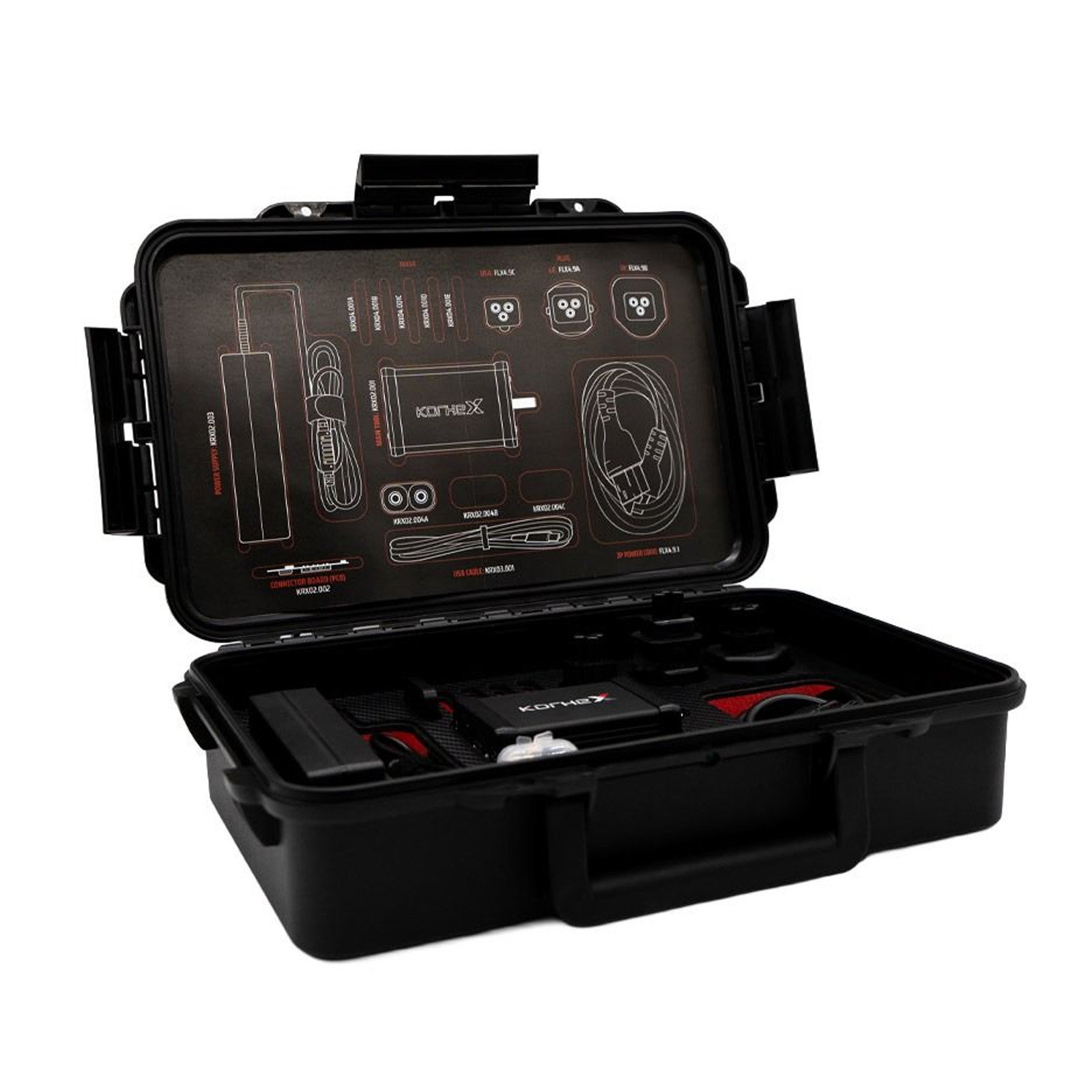
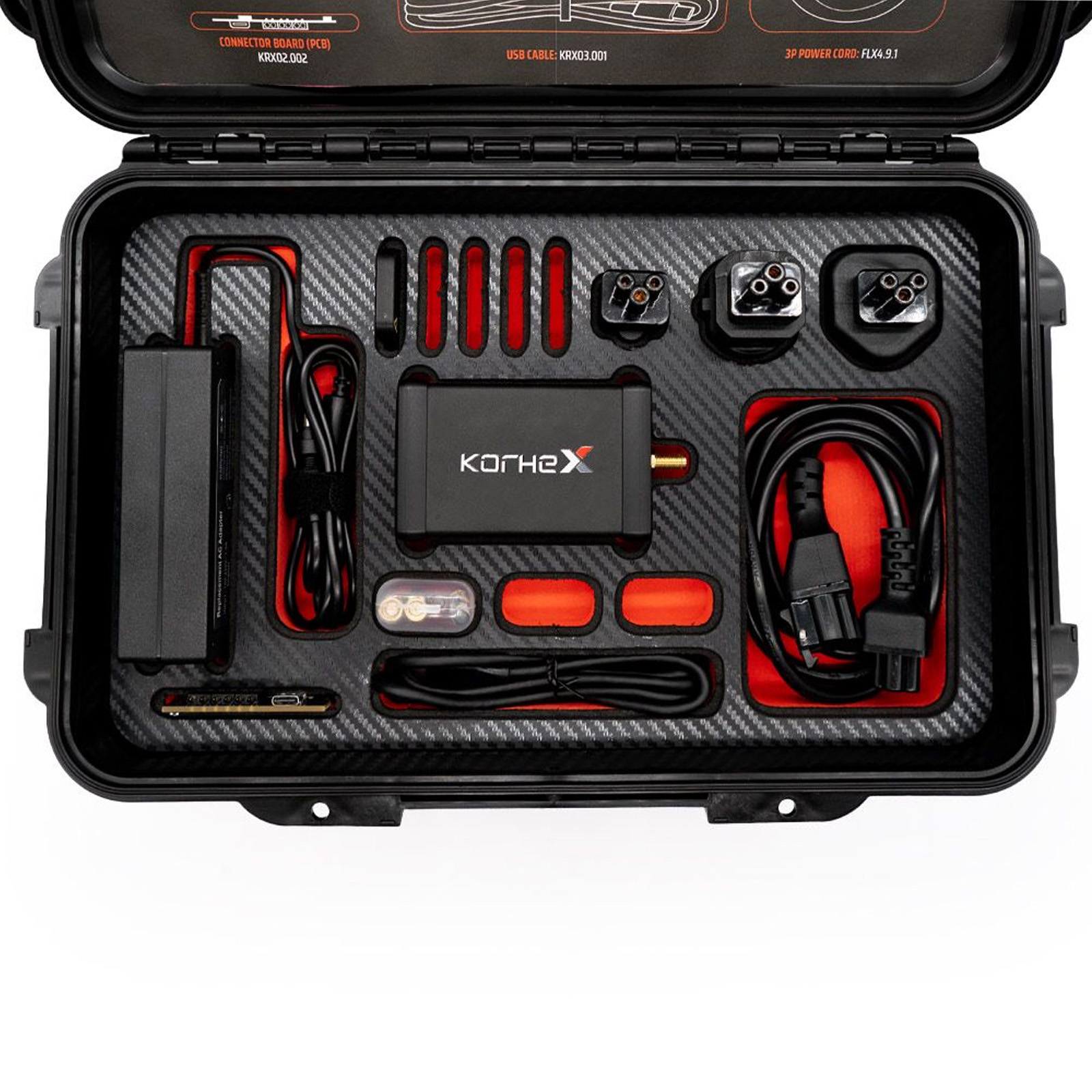
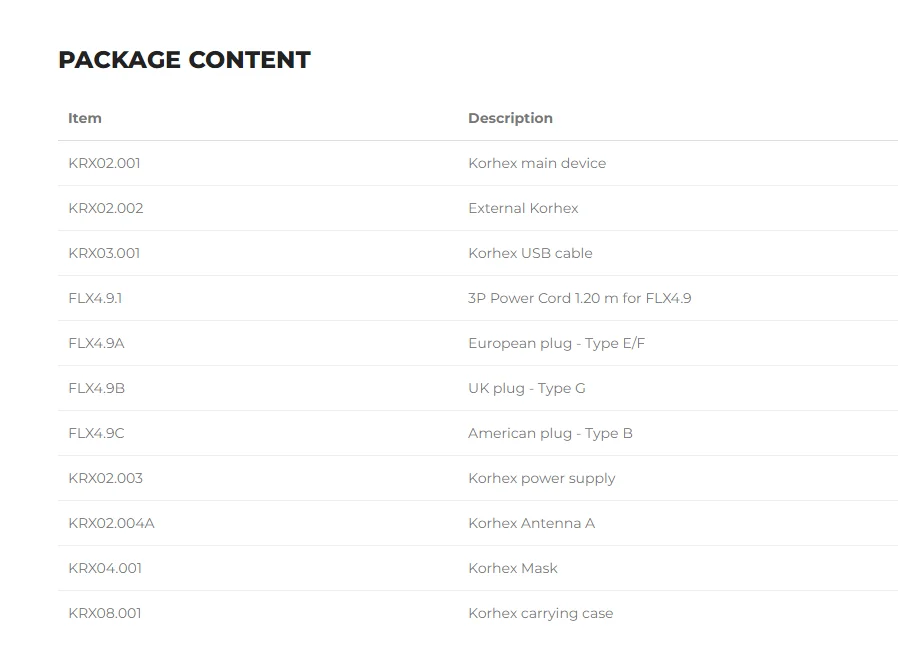
Package includes:
1pc x KRX02.001 Korhex main device
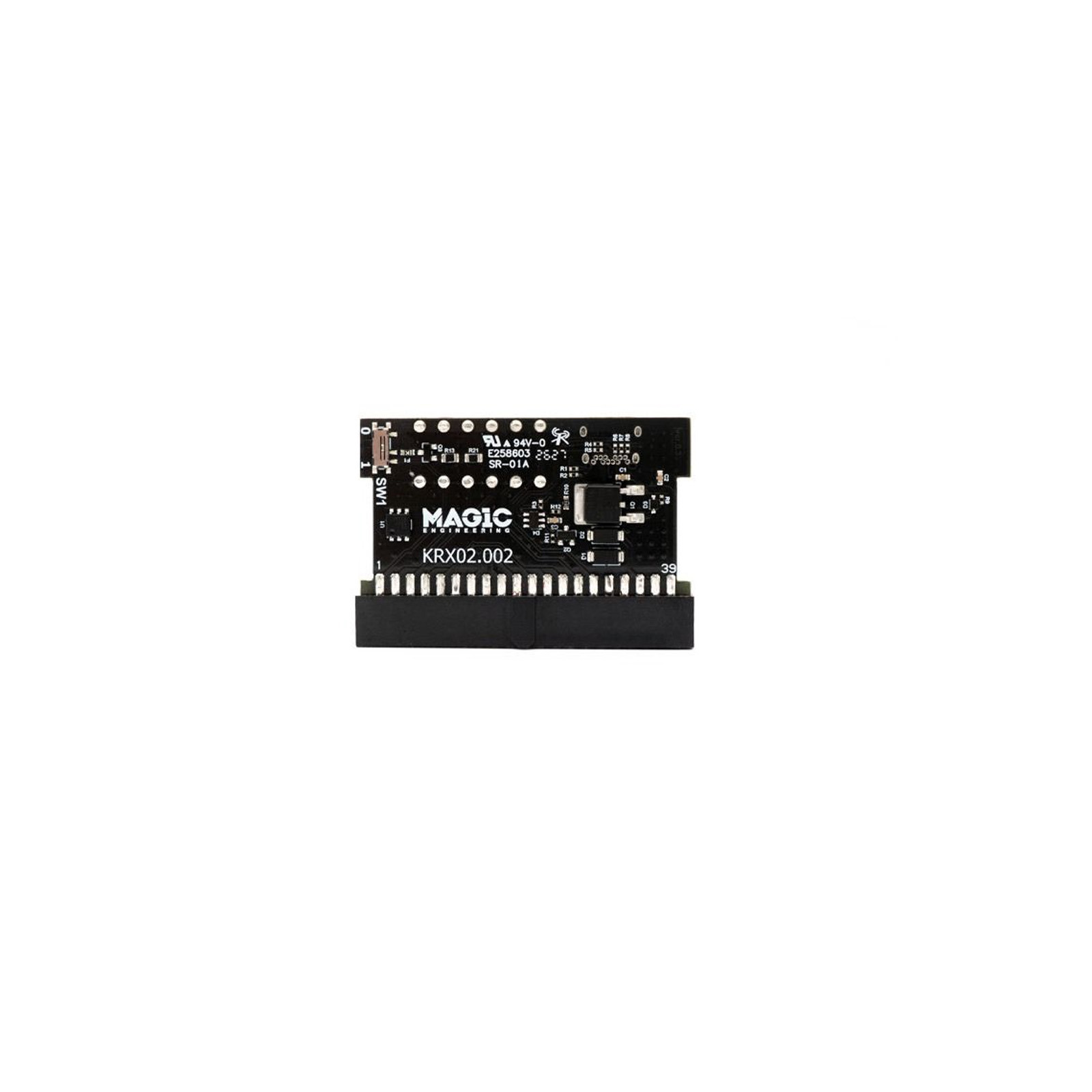
1pc x KRX02.002 External Korhex
1pc x KRX03.001 Korhex USB cable
1pc x FLX4.9.1 3P Power Cord 1.20 m for FLX4.9
1pc x FLX4.9A European plug - Type E/F
1pc x FLX4.9B UK plug - Type G
1pc x FLX4.9C American plug - Type B
1pc x KRX02.003 Korhex power supply
1pc x KRX02.004A Korhex Antenna A
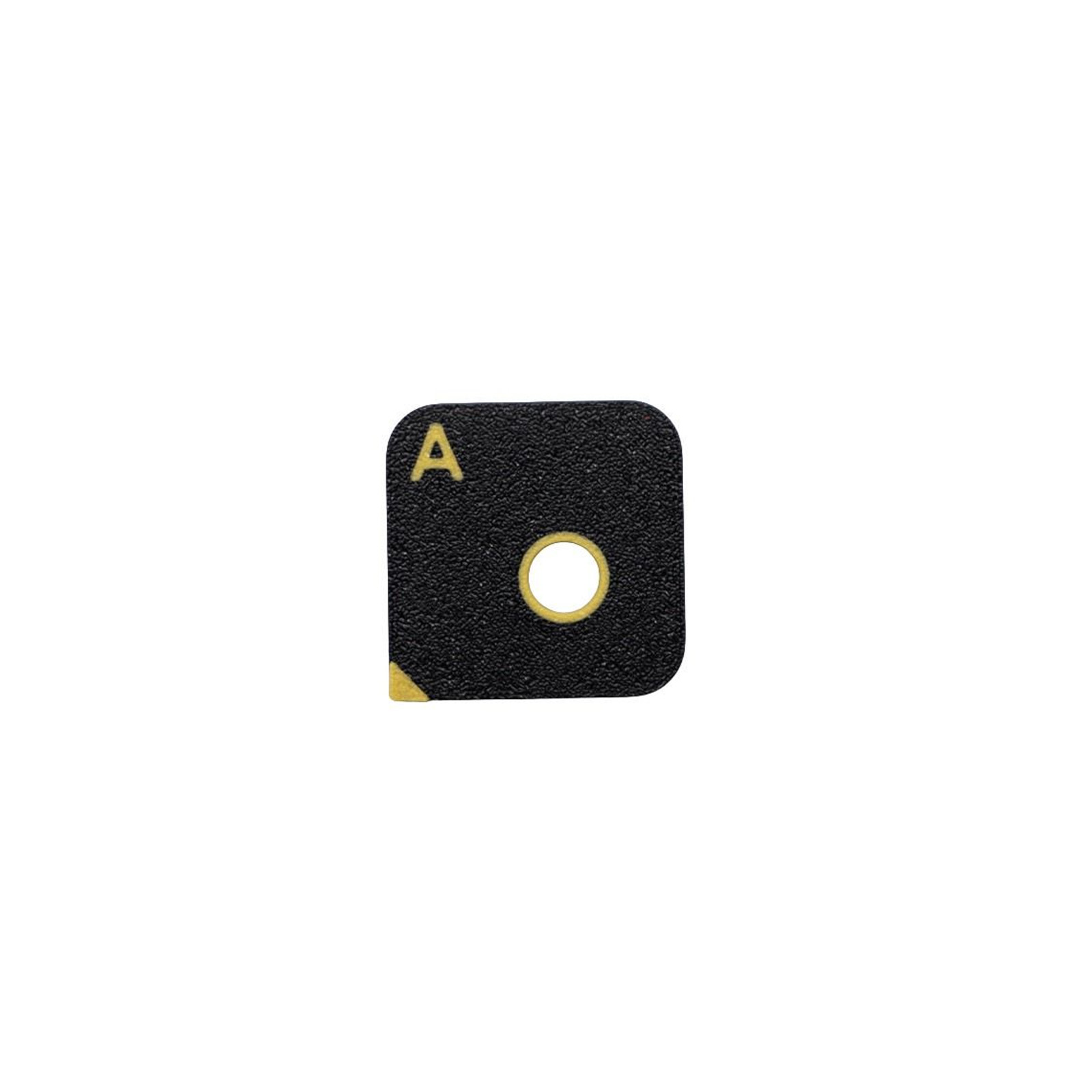
1pc x KRX04.001A Korhex Mask A
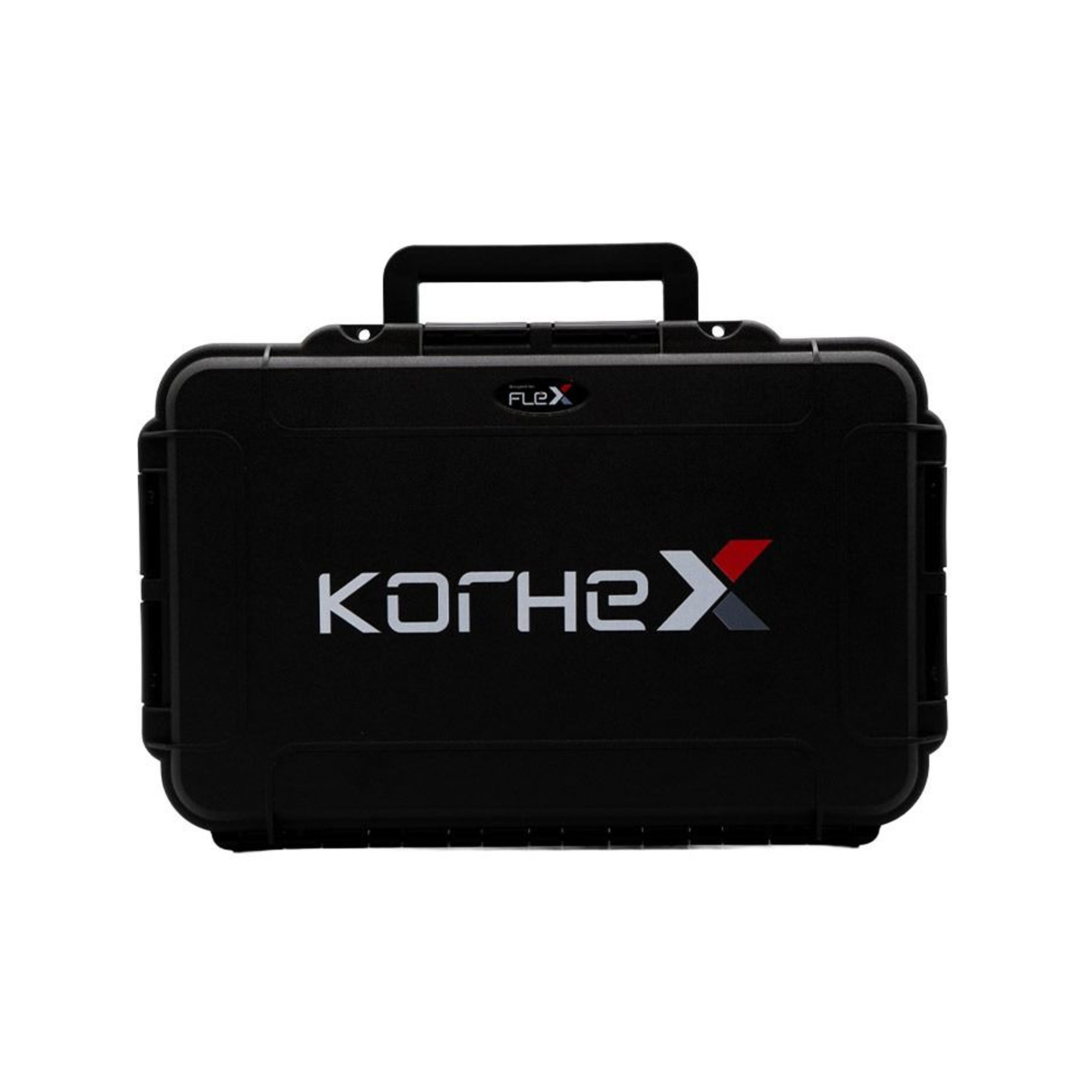
1pc x KRX08.001 Korhex carrying case
Customer Questions & Answers
Customer Reviews
0 Stars of 5,0 Reviews.
- 5 stars:0%
- 4 stars:0%
- 3 stars:0%
- 2 stars:0%
- 1 stars:0%
Share your thoughts with other customers.
Write a reviewTop customer reviews
You may also like
-
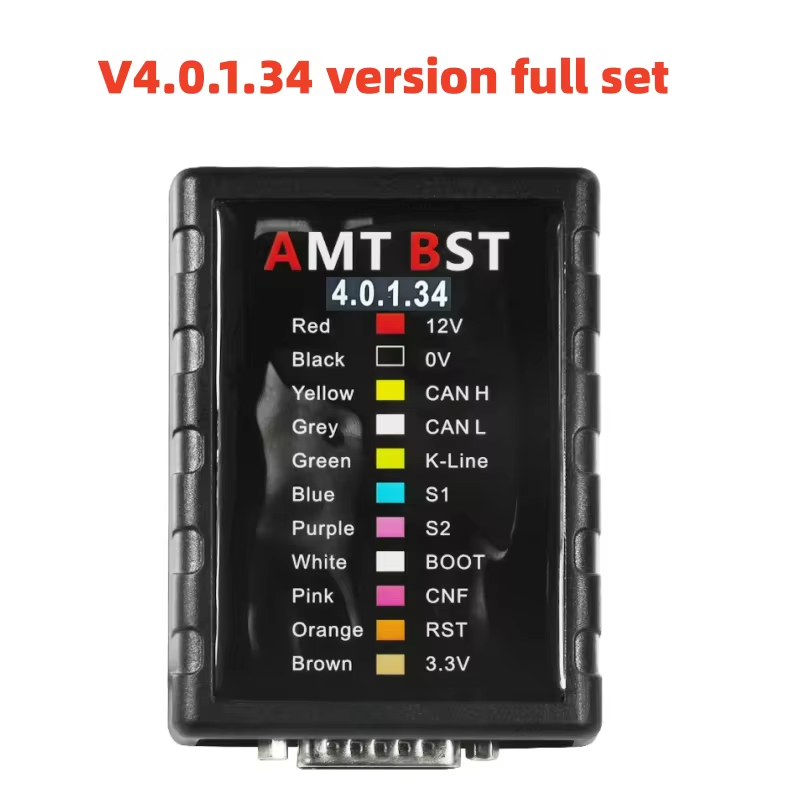
2026 Newest Updated V4.0.1.34 AMT BST ECU Programmer Reader Universal Bench Read Write Service Tool Support MG1 MD1 Protocol
$239.008% off
-
Latest V2.23 KTAG ECU Programming Tool Master Version Firmware V7.020 With Unlimited Token
$419.005% off

-
Original Alientech KESS V3 KESS3 Master Agriculture Truck & Buses Bench-Boot Protocols Activation
$1844.003% off
-
V5.1.58 MPM OTG ECU TCU Chip Tuning Programming Tool
$199.009% off
- Payment:

-
Tel
+86-19892834301 -
WhatsApp