 EUREuro
 GBPBritish Pound
 AUDAustralian Dollar
- WhatsApp:+86-19892834301
- Email: automantool@hotmail.com
- Skype:autoobdtop


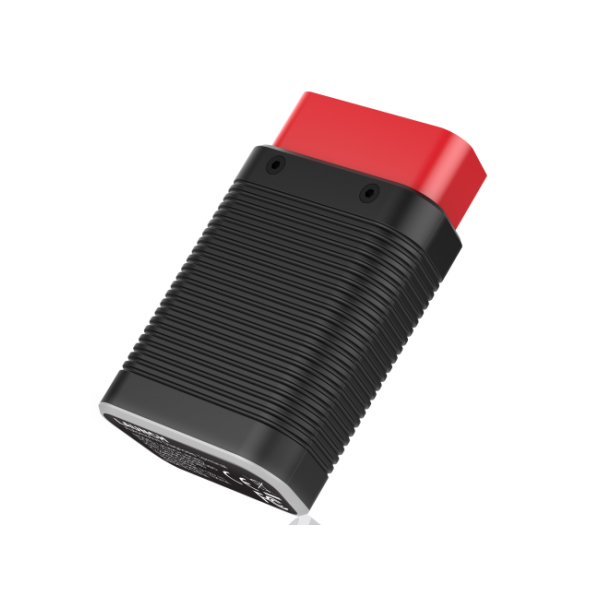
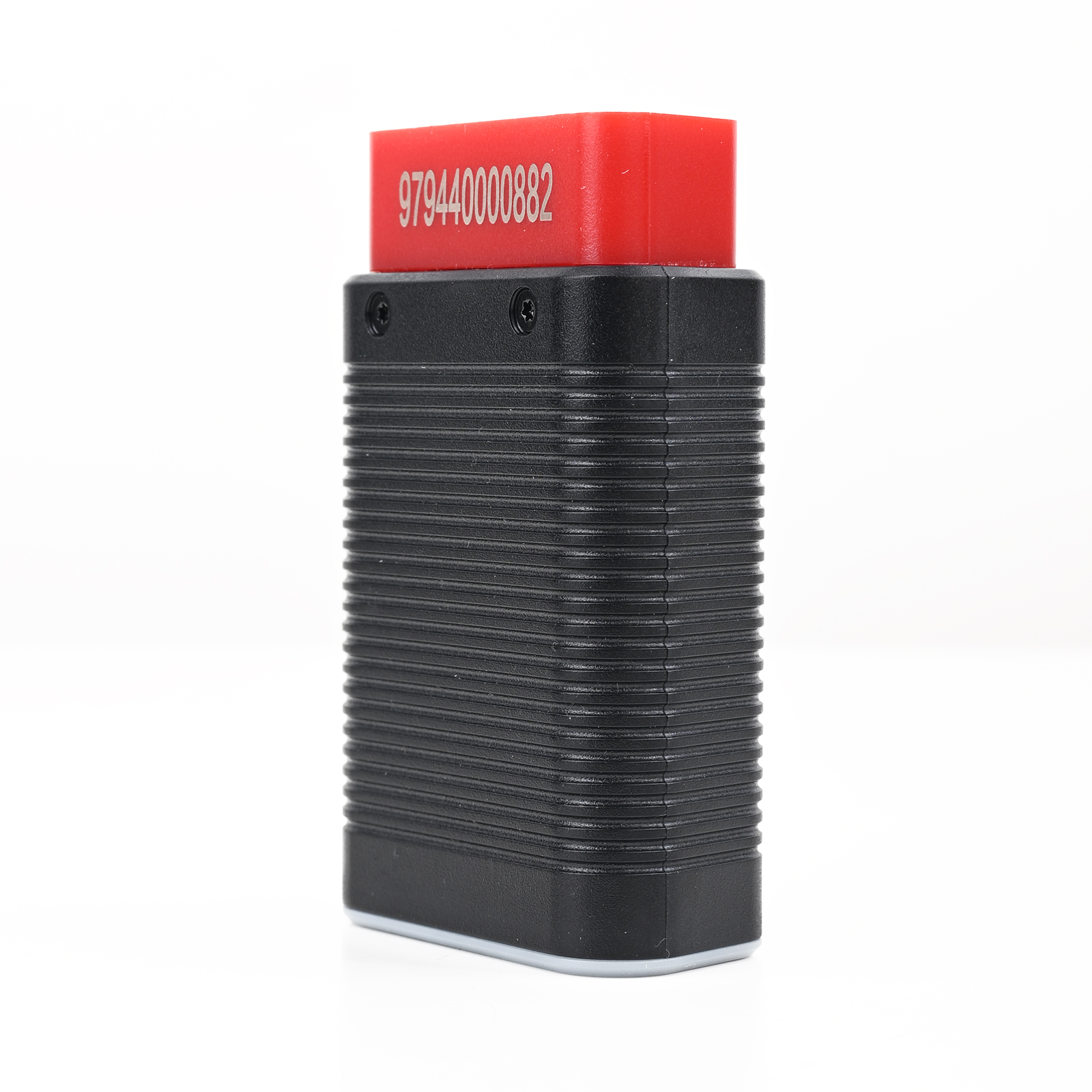
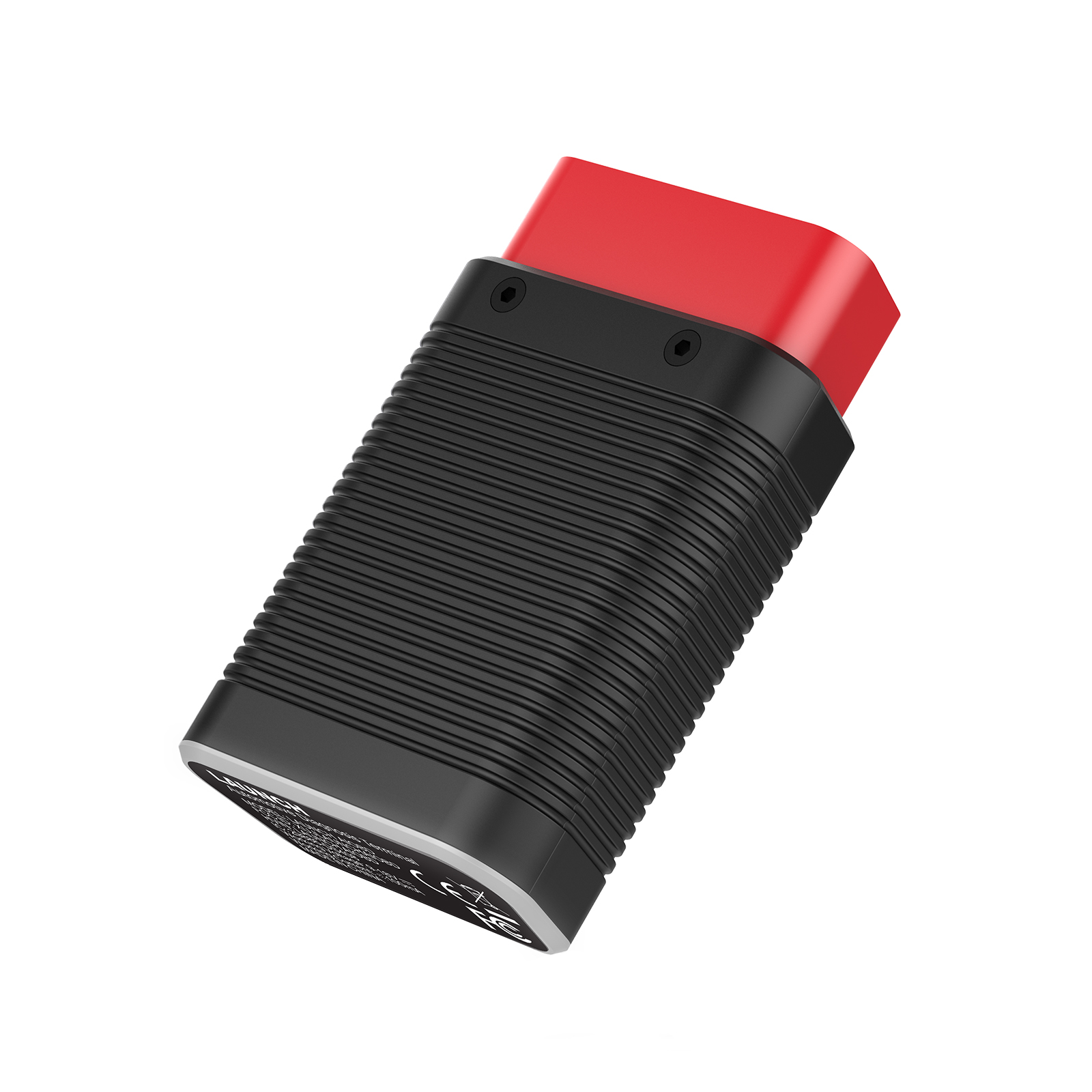
LAUNCH AIOBD (NueraDiag) Full System Diagnostic Scanner for IOS and Android Multi-Language Global Version
Item No. LX302
In Stock.
History sold.
0 out of 50 global ratings
- 5 stars:0%
- 4 stars:0%
- 3 stars:0%
- 2 stars:0%
- 1 stars:0%
ratings| answered questions
0 out of 5
0 global ratings
- 5 stars:0%
- 4 stars:0%
- 3 stars:0%
- 2 stars:0%
- 1 stars:0%
Latest price:$59.00
Buy Now:
$
49.00
17% off
Fast Shipping & No Tax
US Check: Ship from US
UK Check: Ship from UK
EU Check: Ship from Czech
Looking for help? Please contact Whatsapp: +86-19892834301
- Shipping:
-
Free Shipping
Express Shipping ServiceEstimated delivery time: 3-5 Working Days
- Quantity:
- Stock:32

- Weight:
- 0.1 KG
- Package:
Related Download Files
Share
LAUNCH AIOBD (NueraDiag) Full System Diagnostic Scanner for iOS and Android Global Version
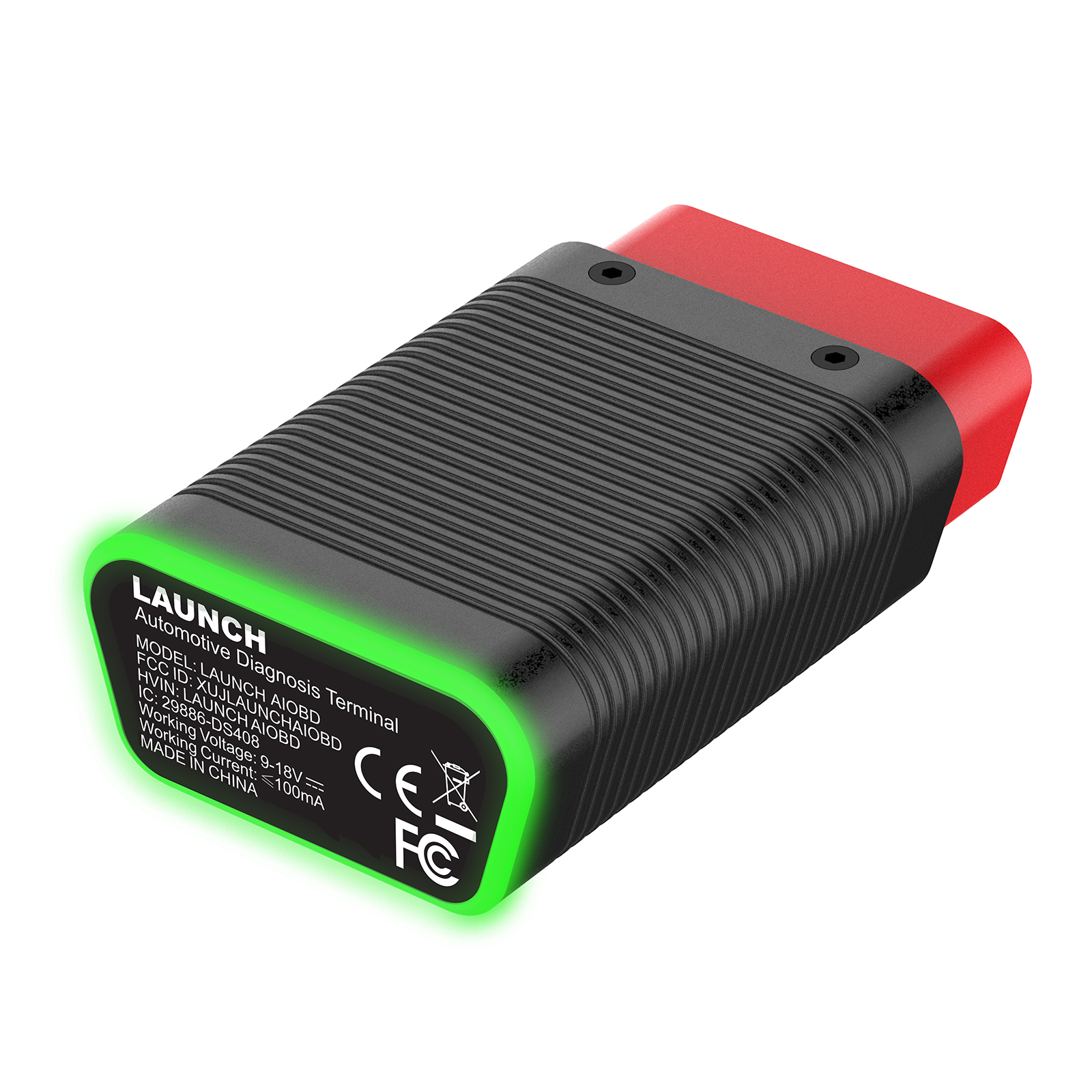
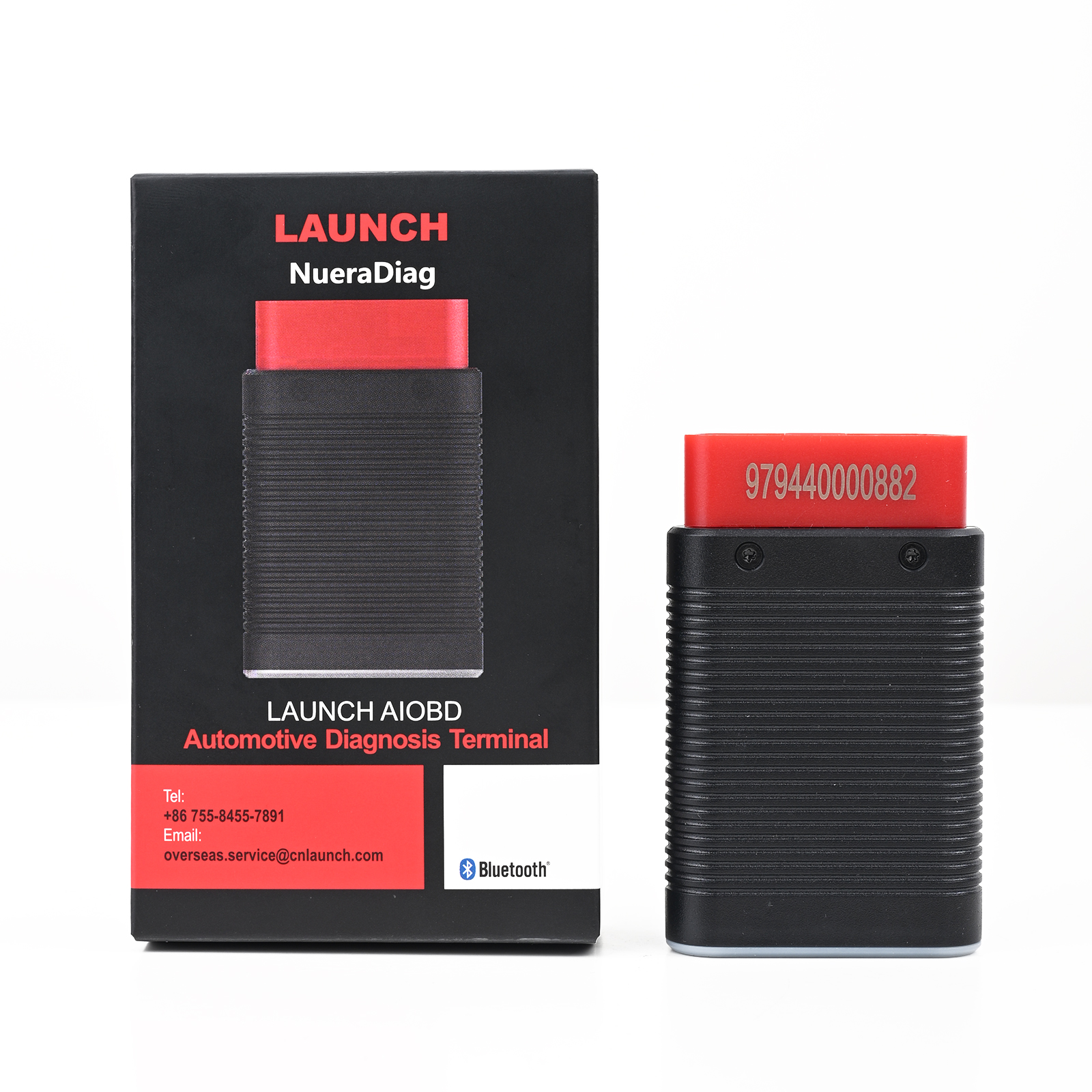
LAUNCH AIOBD is a professional diagnostic device designed to work exclusively with LAUNCH AIOBD APP, offering comprehensive coverage across all vehicle makes, systems and functions. The LAUNCH AIOBD diagnostic connector and the mobile phone APP communicate via Bluetooth. When the connector is connected to the vehicle and within the communication range, professional diagnosis of the vehicle can be performed through the mobile phone APP.
Simply plug the device into your vehicle's OBDII port, pair it via Bluetooth and you can perform full-system vehicle diagnostics.
Launch AIOBD Scanner Features:
1. Multi-functional Diagnostics: Supports OBDII 10 modes, full-system scan, special functions (e.g., ECU coding, immobilizer functions).
2 .Smart Vehicle Recognition: AutoSearch function detects VIN and initiates a complete vehicle scan.
3. AI-Powered Assistance: LAUNCH AI provides DTC explanations, repair guides, tool recommendations, and cost estimates.
4 .Cross-Platform Compatibility: Available for both iOS and Android (supports 19 software packages on iOS and 30+ on Android).
5. Visual Data Display: Real-time data visualization with line graphs and shareable diagnostic reports.
6 .Multilingual Support: Supports English, French, Spanish, German, Italian, Russian, Portuguese, Japanese, Korean, and Traditional Chinese.
7. Continuous Software Updates: Features are constantly updated with optional paid subscriptions via the app mall.
How to Download the Launch AIOBD App:
1. For iOS devices, search for "LAUNCH AIOBD" in the official App Store.
2. For Android devices, search for "LAUNCH AIOBD" in the official Google Play store. If there is no this Android App on Google Play Store, download App via link.
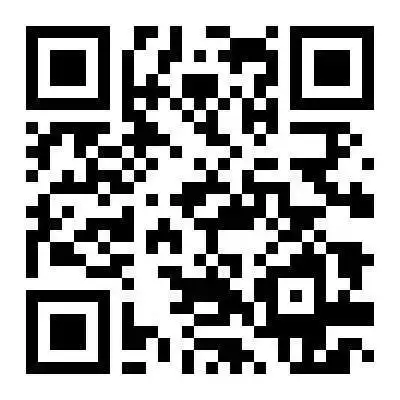
3. Alternatively, you can directly download the QR code on the packaging to go to the corresponding app store.
Launch AIOBD App download QR code
The Advantage of LAUNCH AIOBD
User Friendly
New users automatically search for connectors to activate and register, NO need for manual activation.
One-click OBD Data Report
Generate a comprehensive OBD static data report with one click. Supports ten OBD modes, Smog Check, and OFBCM. Reports can be generated and shared, and are free for life.
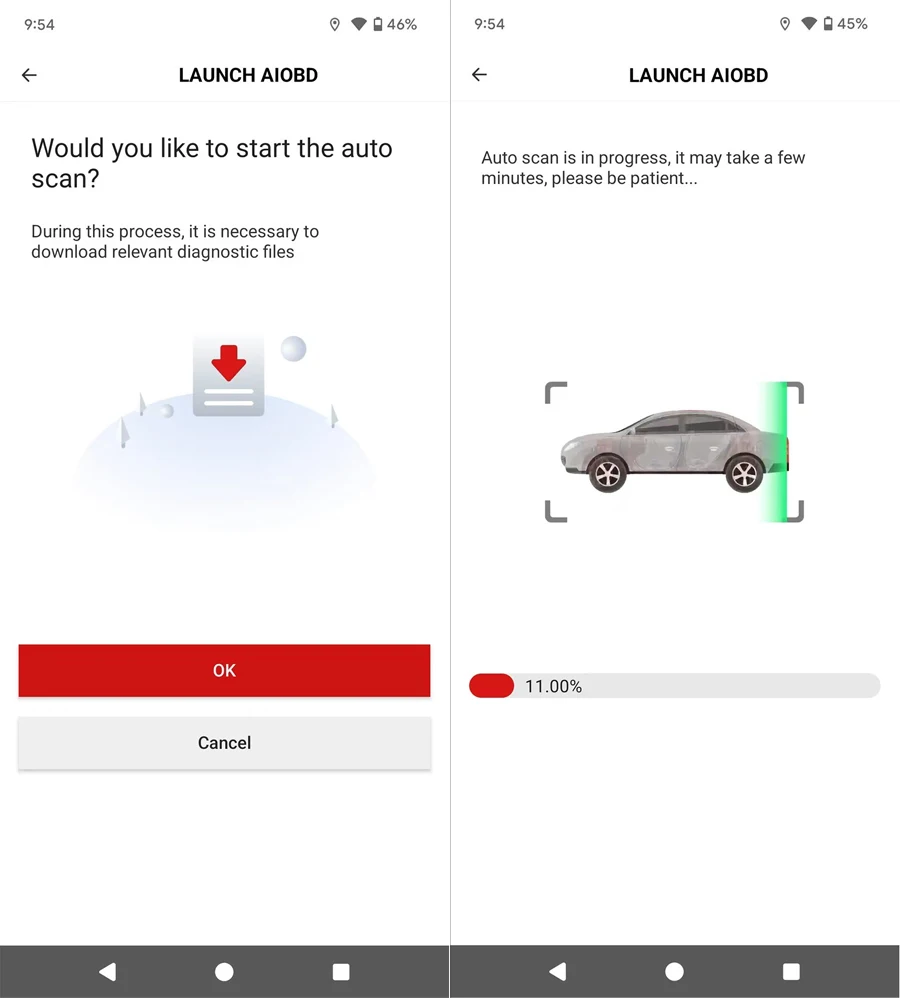
Full Scan
Full Scan automatically detects and generates professional diagnostic reports with one click. Ideal for individual car owners, it's easy to use. If you haven't purchased the software for your vehicle, you can scan the report first. Only the OBD report will be displayed. Other system faults and professional analysis reports are available only after unlocking the software. Paid features include AI analysis, predictive maintenance recommendations, work hours, and replacement parts recommendations. The software can be upgraded through Update, regardless of whether it's already been purchased. However, only the vehicle model you've purchased can be used for professional traditional diagnostics in Diagnostic.
Full Scan's interactive design offers highly consistent functionality, simple operation, and a clean interface. Traditional connector products require multiple menus for selection.
Generate all static data reports of OBD with one click. The reports are more comprehensive. In addition to supporting the ten major OBD modes, there are also Smog Check and OFBCM functions. It supports generating and sharing reports and is free for life.
It is more suitable for individual car owners. It is easy to operate. After the OBD function is completed, it guides customers to perform full vehicle system diagnosis. If the model software is not purchased, 5 models can be downloaded. The fault codes of all vehicles can be scanned to increase customers' understanding of details.
The interactive design has high functional consistency, simple operation and neat interface, while traditional connector products need to enter multi-level menus for interface selection.
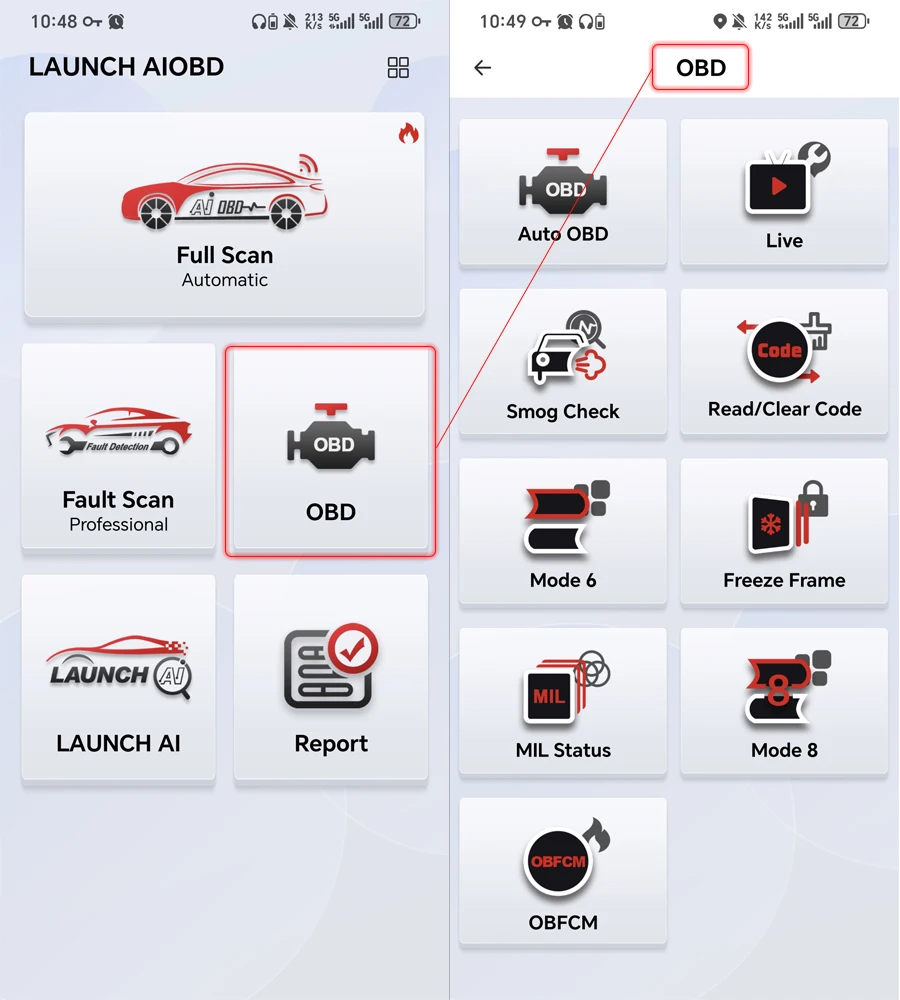
LAUNCH AIOBD supports Full OBDII Function:
1. AutoOBD Function :
Automatically reads all static data of OBD, generates a report, and can clear the code.
After completing this function, when returning, the customer is prompted whether to scan the entire vehicle system. Select yes to enter the vehicle's full system health report;
If not purchased, the customer enters the AIT mode to scan the vehicle health report, which displays the number of fault codes, the system to which the fault code belongs, etc., and can clear the code, search for fault codes, etc.
If not purchased, clicking anywhere will pop up a payment window. After the purchase is completed, all information will be unlocked. Click the system to enter the system for detailed functions.
If purchased, all functions of all systems will be unlocked
2. Live Data
Select data and create a line chart to display real-time data
3. Smog Check
4. Read/Clear Code
5. Mode 6
Vehicles without mode 6 display the data of Mode 5, oxygen sensor data
6. Freeze Frame
7. MIL Status
8. Mode 8
Requests to control vehicle systems
9. OBFCM
European emissions related data, can generate reports and share
LAUNCH AIOBD Supports Vehicle Fault Detection
(Purchase with pin cards or in the mall)
1. To use this function, first download Autosearch and automatically identify the vehicle model
2. Enter the traditional diagnostic mode, including all vehicle systems, code reading, code clearing, data stream reading, version information reading, special functions, action testing, guidance functions, ECU coding, anti-theft key and other functions
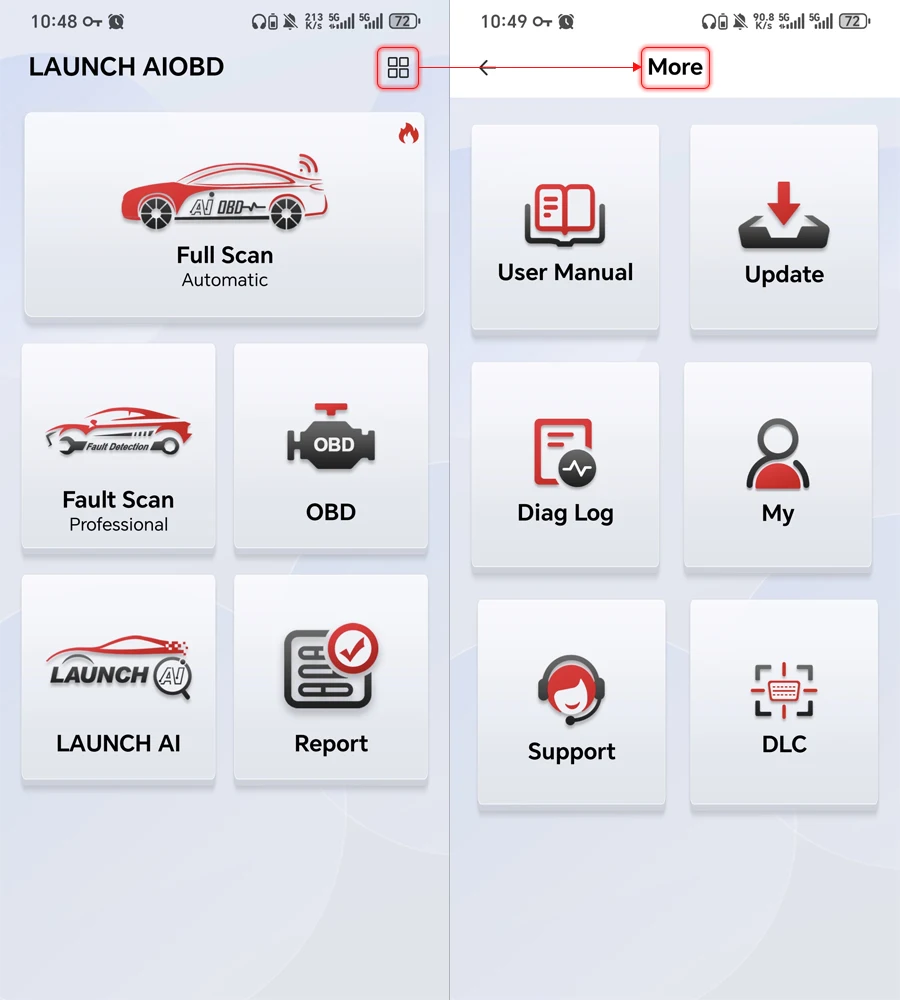
LAUNCH AIOBD supports Data Subscription
Achieve specified maintenance plans, recommended maintenance tools, and recommended repair shops based on fault codes (expected to be launched in the second quarter)
LAUNCH AIOBD Supports LAUNCH AI
Check product model support, fault code information, maintenance plans and other issues related to car maintenance.
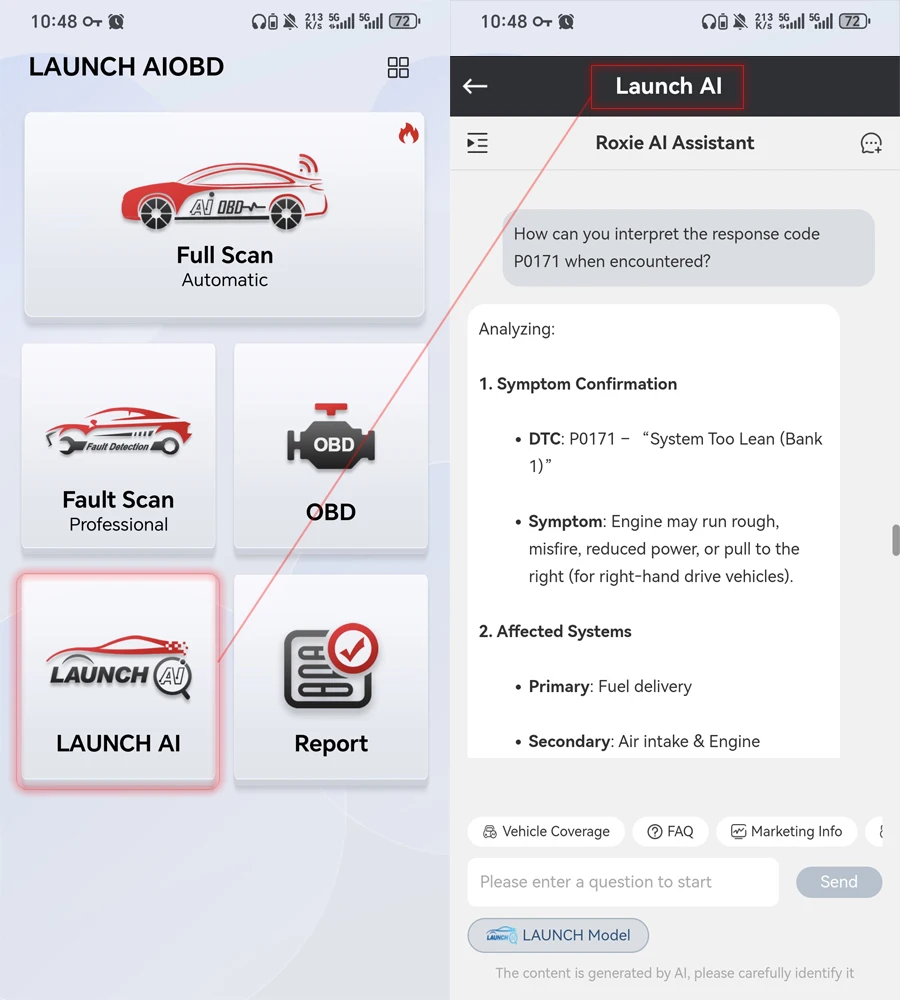
LAUNCH AIOBD Supports MALL Function
*can subscribe the Car brand to do more functions.
*Saving Historical Reports
1. After purchasing, the vehicle test report generated by Full Scan can be analyzed professionally by AI, recommending nearby repair shops, displaying fault information for different systems, including required parts, repair hours, and costs. It also summarizes the vehicle's historical diagnostic faults, showing the top 10 fault types for that model, and proactively adding maintenance information. Combined with the vehicle's historical faults and maintenance information, predictive maintenance service recommendations are provided.
2. The diagnosis performed in the Diagnostic and OBD menus provides vehicle model fault information and fault explanations, and allows for quick fault code query. If AI analysis is not performed, the report is free of charge.
| Item | Specification |
|---|---|
| MCU | GD32F405 |
| Operating Voltage | DC 9~18V |
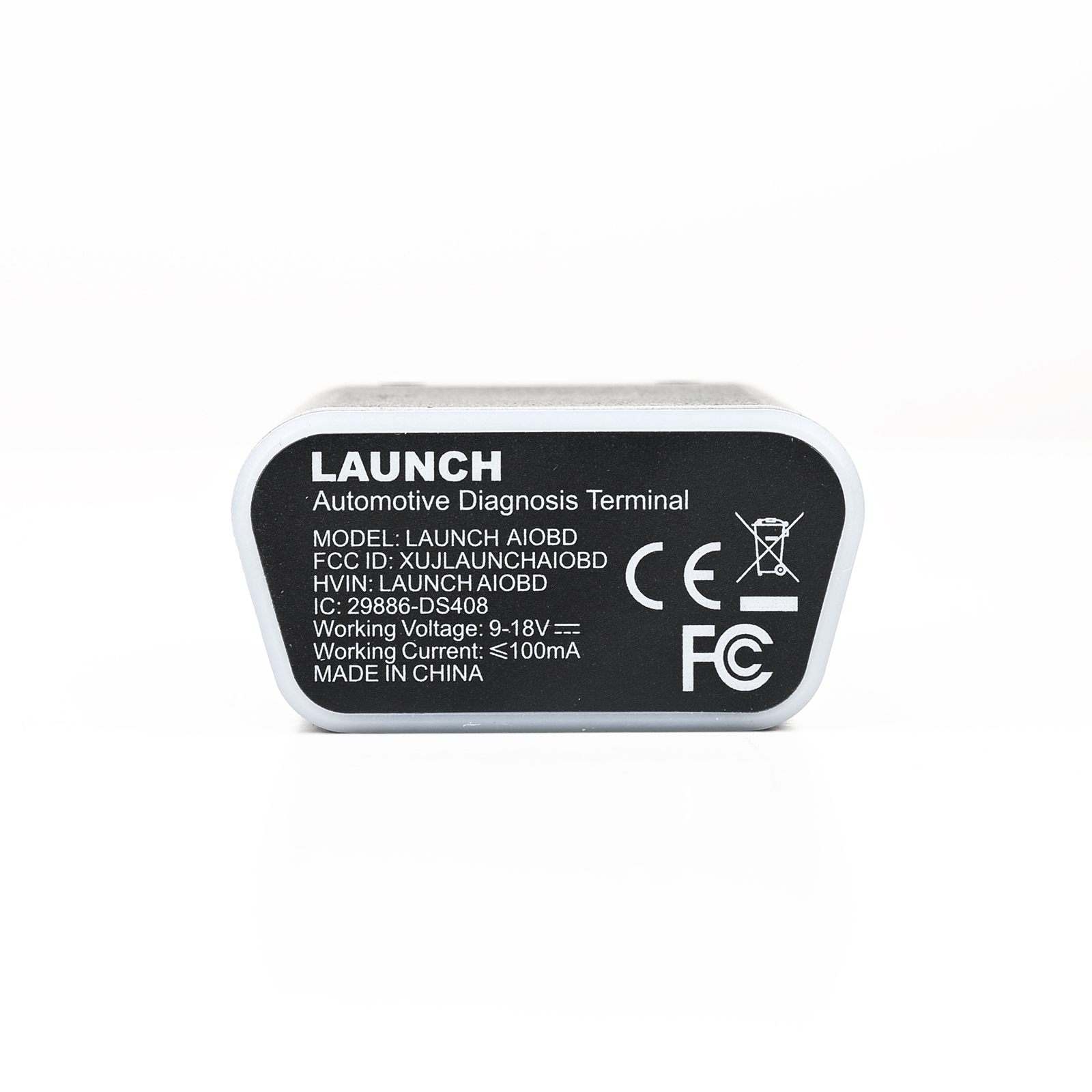
| Operating Current | ≤100mA @12V DC |
| Operating Temp. | -10 ~ 50°C |
| Storage Temp. | -20 ~ 70°C |
| Storage Humidity | 10%~93% |
| Dimensions | 74 × 47.1 × 24 mm |
| Communication | Bluetooth |
| Protocol Support | CAN, K-Line |
| Indicator Lights | Green: Power On; Blue: Connected/Active; Red: Upgrade Failed |
| Certifications | Bluetooth, FCC, CE, IC, ROHS |
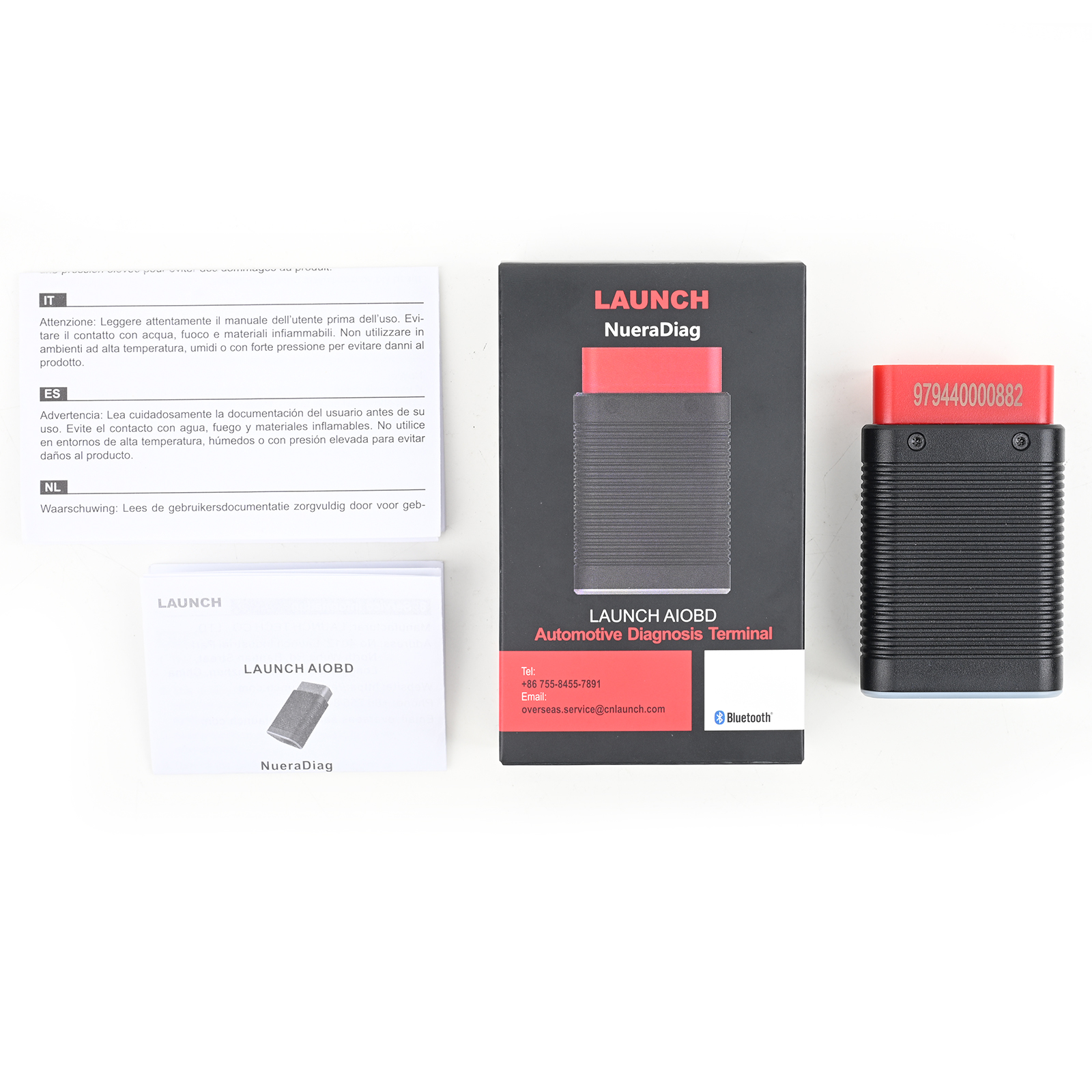
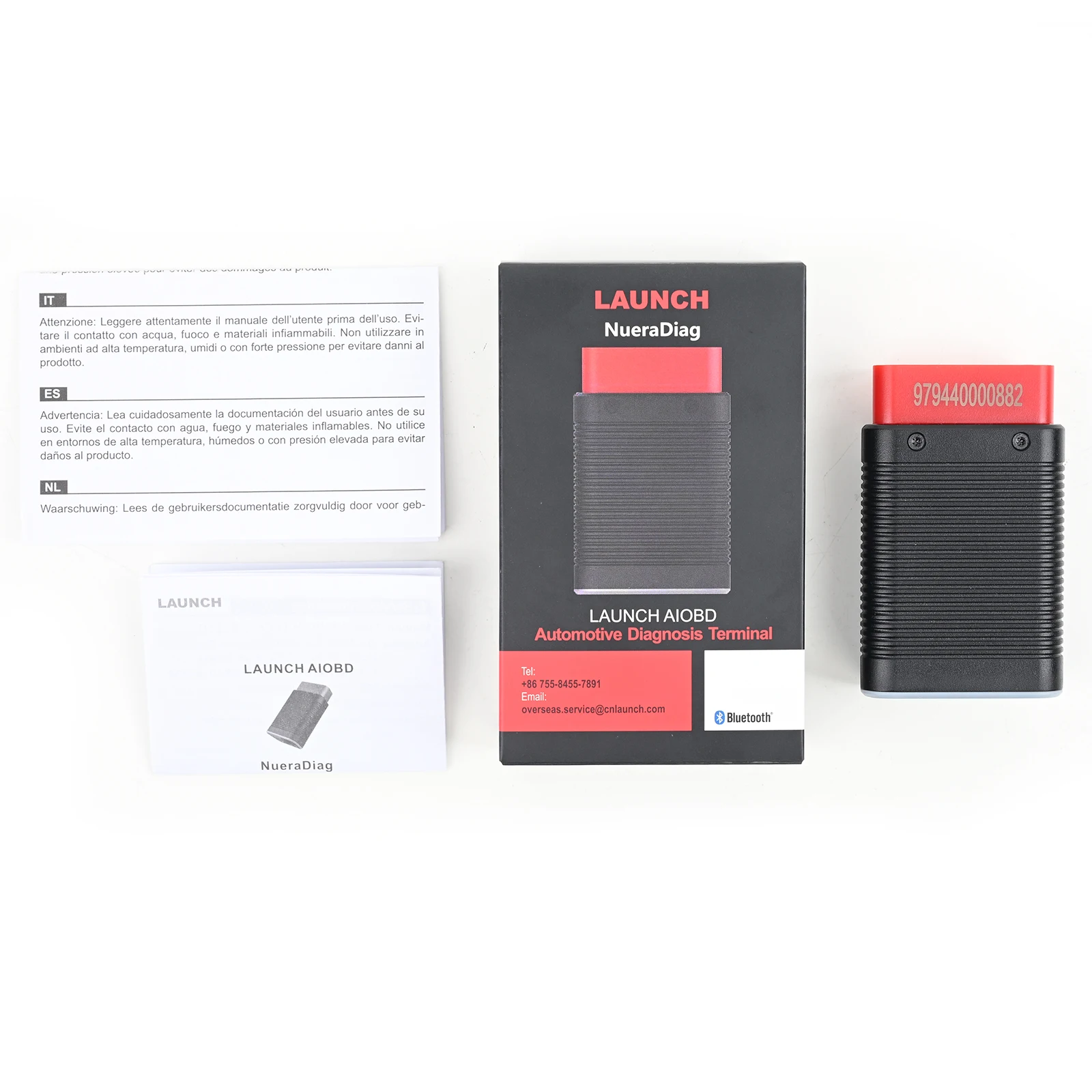
LAUNCH AIOBD Packing List :
1pc * LAUNCH AIOBD Connector
Customer Questions & Answers
Customer Reviews
0 Stars of 5,0 Reviews.
- 5 stars:0%
- 4 stars:0%
- 3 stars:0%
- 2 stars:0%
- 1 stars:0%
Share your thoughts with other customers.
Write a reviewTop customer reviews

- Payment:

-
Tel
+86-19892834301 -
WhatsApp