
 EUREuro
 GBPBritish Pound
 AUDAustralian Dollar
- WhatsApp:+86-19892834301
- Email: automantool@hotmail.com
- Skype:autoobdtop

2025.02 Kubota Takeuchi DiagMaster DST-I Level 25.02.01 Level 9 Diagnostic Software
Item No. RS405
In Stock.
History sold.
0 out of 50 global ratings
- 5 stars:0%
- 4 stars:0%
- 3 stars:0%
- 2 stars:0%
- 1 stars:0%
ratings| answered questions
0 out of 5
0 global ratings
- 5 stars:0%
- 4 stars:0%
- 3 stars:0%
- 2 stars:0%
- 1 stars:0%
Latest price:$259.00
Buy Now:
$
229.00
12% off
Fast Shipping & No Tax
US Check: Ship from US
UK Check: Ship from UK
EU Check: Ship from Czech
Looking for help? Please contact Whatsapp: +86-19892834301
- Shipping:
-
Free Shipping
Express Shipping ServiceEstimated delivery time: 3-5 Working Days
- Quantity:
- Stock:23

- Weight:
- 0.1 KG
- Package:
Related Download Files
Share
2025.02 Kubota Takeuchi DiagMaster DST-I Level 25.02.01 Level 9 Diagnostic Software
Kubota Diagmaster is special diagnostic software for Kubota machine equipment.With new features like Automatic Vehicle Detection,Data Recording and Trouble Shooting Guidance, the Diagmaster platform offers all of the diagnostic information needed for advanced trouble shooting. The unique design makes it simple to expand and update to support new management systems and vehicles.
This Kubota Diagmaster software is suitable for many different users: repair man, technicians or vehicle owners, transportation businesses owner:
For repair man or technicians, you need specialized diagnostic equipment and software to better assist in repairing these vehicles.
For vehicle owners or transportation businesses, you need software to modify vehicle parameters to optimize operation.
Kubota DiagMaster 25.02.01 Level 9 MERLO, Manitou, Carrier, Nonself, CNH, Bobcat
Kubota Takeuchi Diagmaster Functions:
•Clear Trouble Codes.
•Data Recording.
•Extensive Data Monitoring and simultaneous Active Tests.
•Active Tests.
•Manage Projects.
•Injector Compensation.
•Vehicle ECU Memory Reset.
•Injection Quantity Correction.
•MAF Correction.
•Fuel Pump Learning Value Clearing.
How to Use Kubota Takeuchi Diagmaster Diagnostic Software?
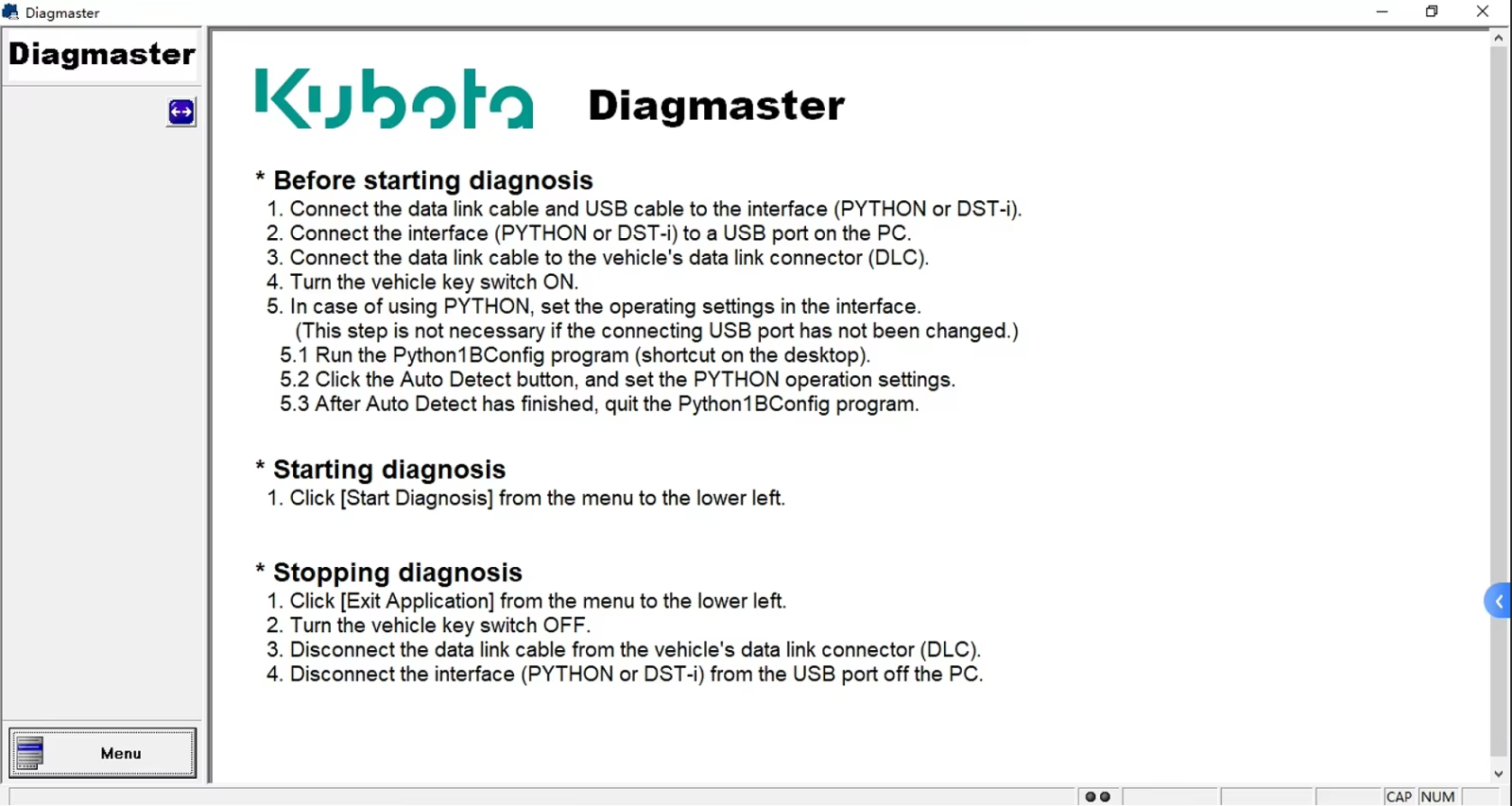
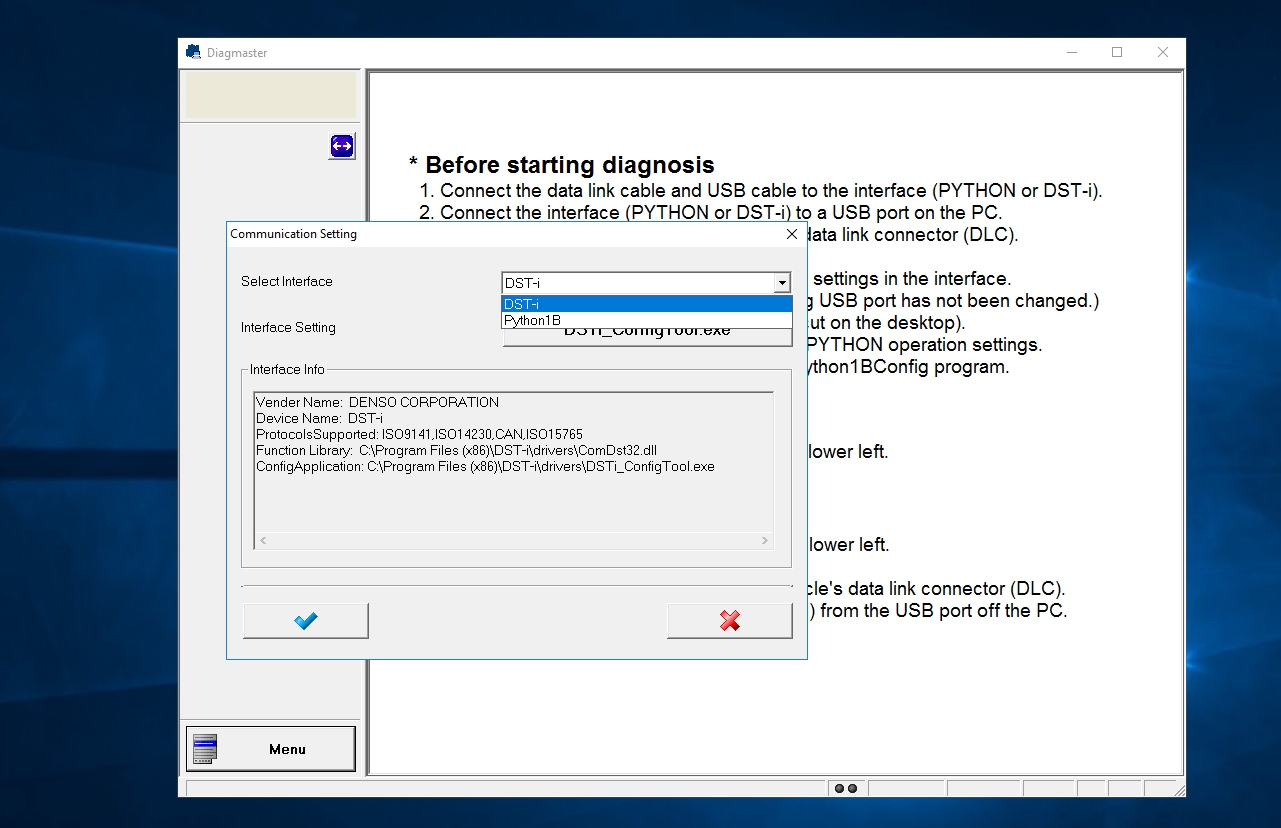
* Before starting diagnosis
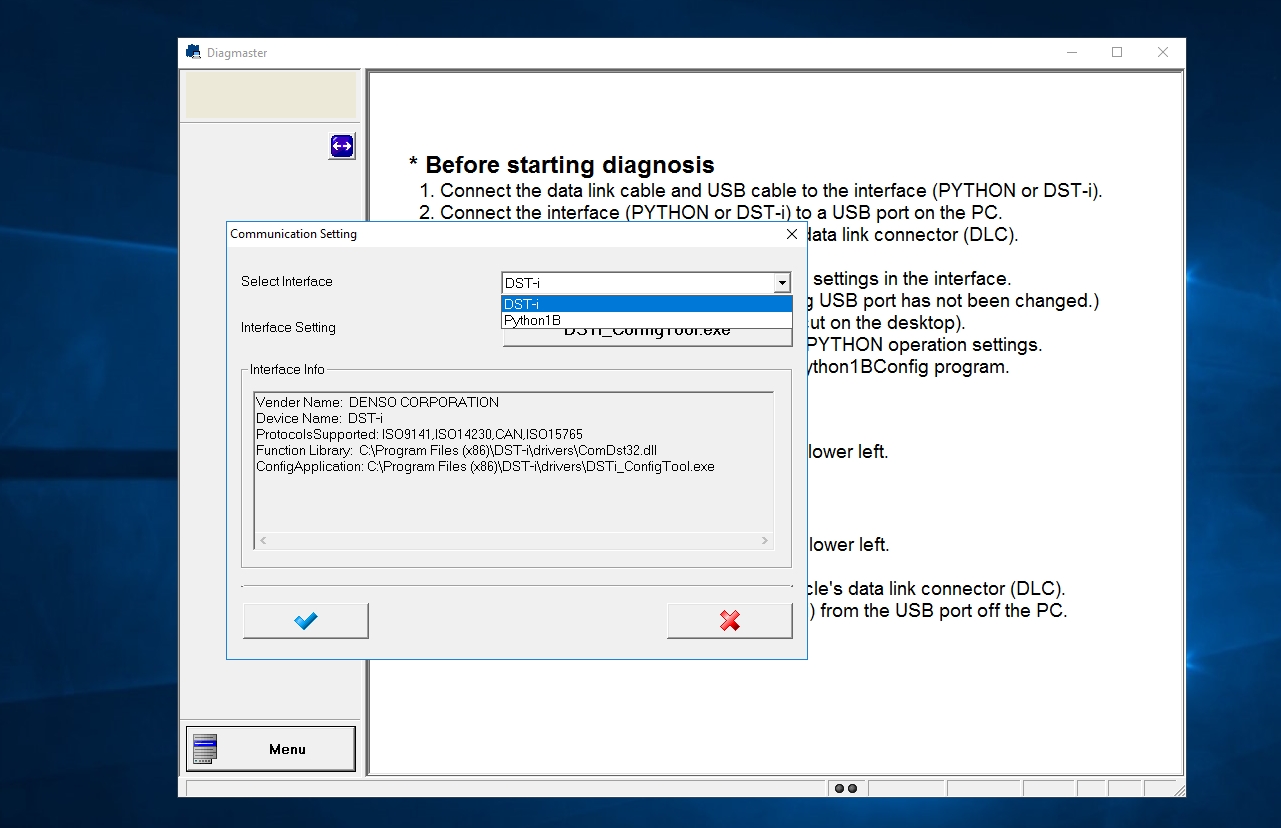
1.Connect the data link cable and USB cable to the interface only DST-i.
2.Connect the interface DST-i to a USB port on the PC.
3.Connect the data link cable to the vehicle’s data link connector(DLC).
4.Turn the vehicle key switch ON.
* Starting diagnosis
1.Click [ Start Diagnosis] from the menu to the lower left.
* Stopping diagnosis
1.Click [ Exit Application] from the menu to the lower left.
2.Turn the vehicle key switch OFF.
3.Disconnect the data link cable from the vehicle’s data link connector(DLC).
4.Disconnect the interface DST-i from the USB port off the PC.
Customer Questions & Answers
Customer Reviews
0 Stars of 5,0 Reviews.
- 5 stars:0%
- 4 stars:0%
- 3 stars:0%
- 2 stars:0%
- 1 stars:0%
Share your thoughts with other customers.
Write a reviewTop customer reviews
You may also like
![DOOSAN G2 STAGE V HYUNDAI INFRACORE G2 STAGE V (INCL. T4F) DM-DN ENGINE 01.62 [2025.04]](/upload/202511/13/202511131827358987.png)
-
DOOSAN G2 STAGE V HYUNDAI INFRACORE G2 STAGE V (INCL. T4F) DM-DN ENGINE 01.62 [2025.04]
$229.0012% off
-
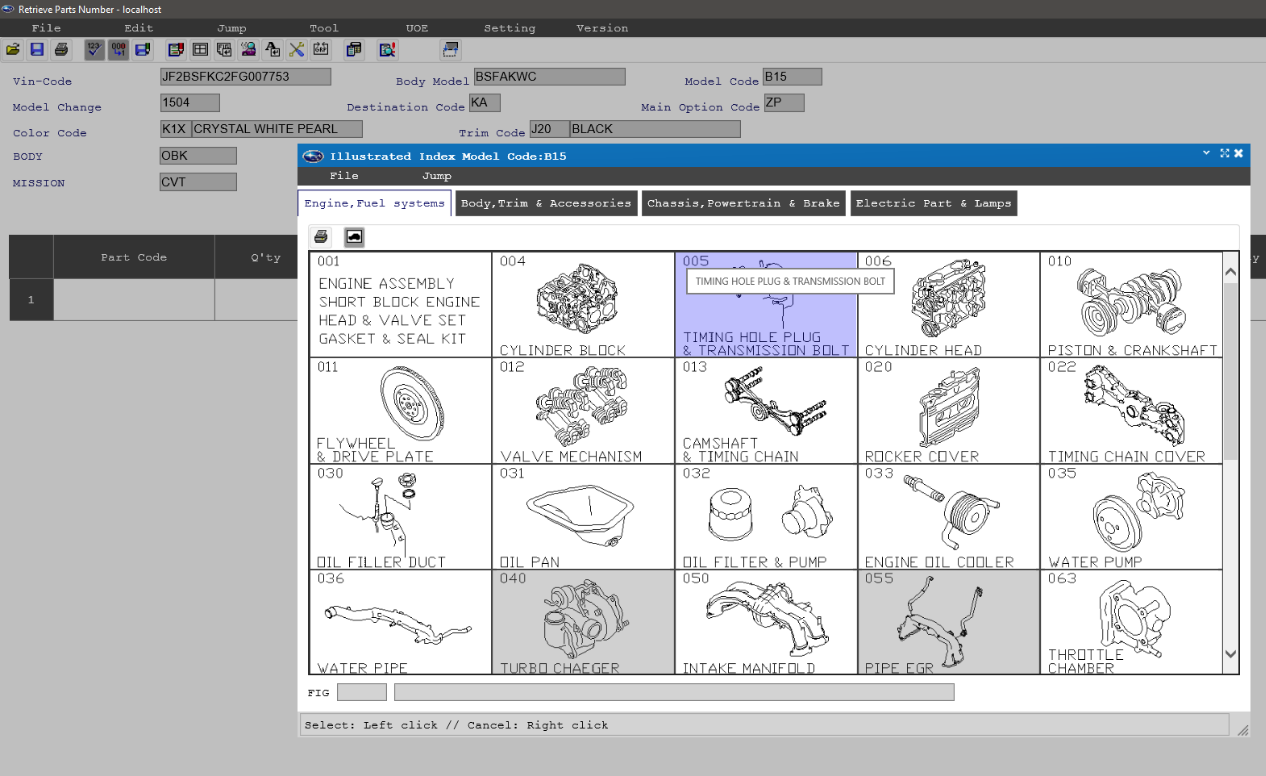
SUBARU EUROPE GENERAL EPC PARTS CATALOG 2021.10
$89.0018% off
-
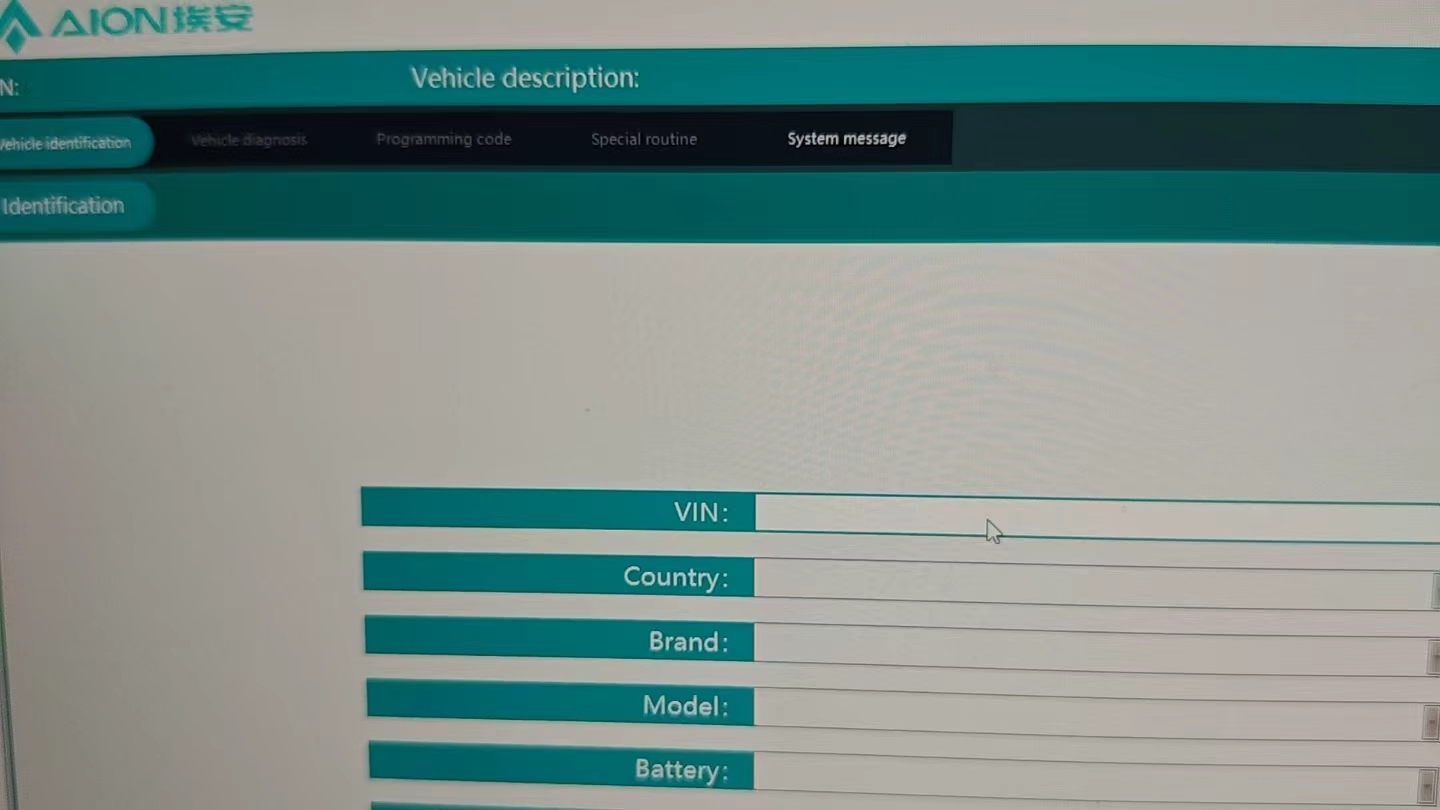
2026 GACNE GAC AION Diagnostic and ECU Programming Software Online Version/Offline Version
$499.004% off
-
Volvo Premium Tech Tool PTT 1.12+Activator
$79.0020% off

-
2026.02 BMW ISTA-D Full Diagnostics Software V4.57.30
$59.0025% off
![STILL STEDS Forklifts 8.21 R9 [09.2021] Diagnostic software with Spare Parts Catalog and Repair Manual Unlock Never Expire Patch](/upload/202401/28/202401281726016309.png)
-
2025.03 Hitachi Construction Machinery MPDR Diagnostic Software V3.38.0.0 Tier 4 With Adj+Never Expired
$199.0023% off

-
2018 Porsche 997 911 987 982 Circuit diagram
$69.0013% off
- Payment:

-
Tel
+86-19892834301 -
WhatsApp