
 EUREuro
 GBPBritish Pound
 AUDAustralian Dollar
- WhatsApp:+86-19892834301
- Email: automantool@hotmail.com
- Skype:autoobdtop

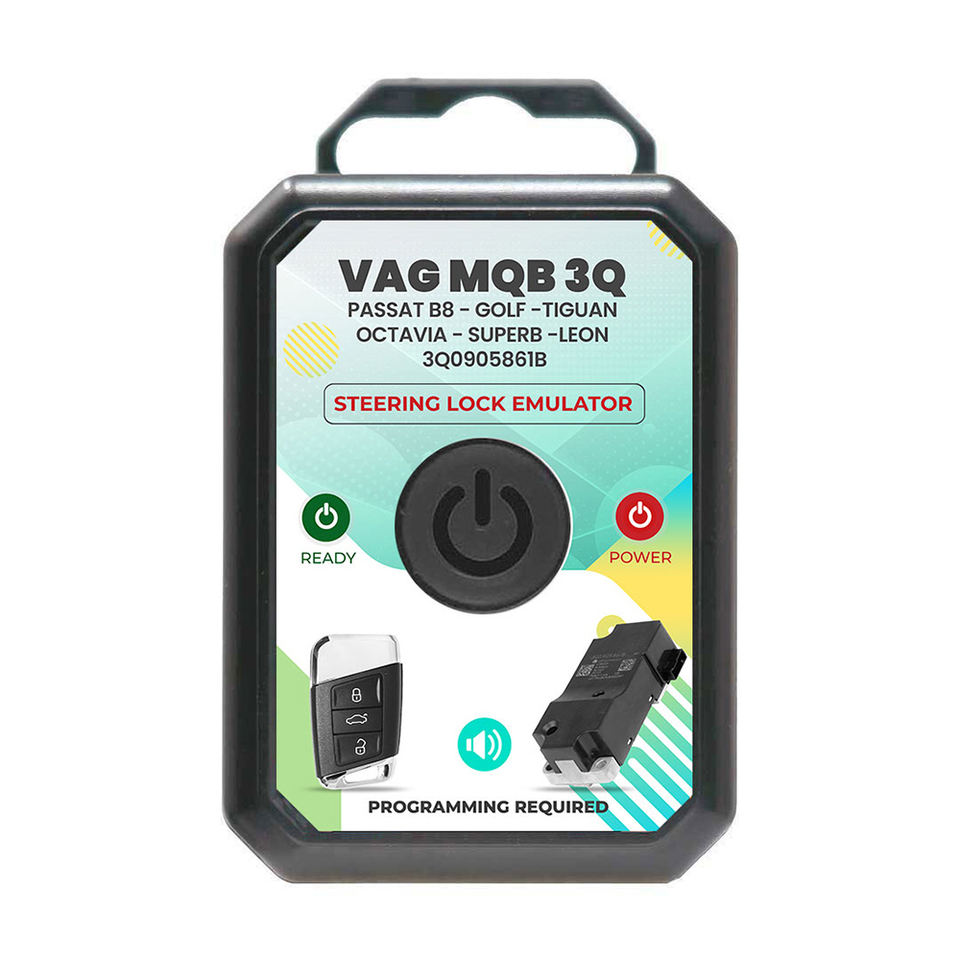
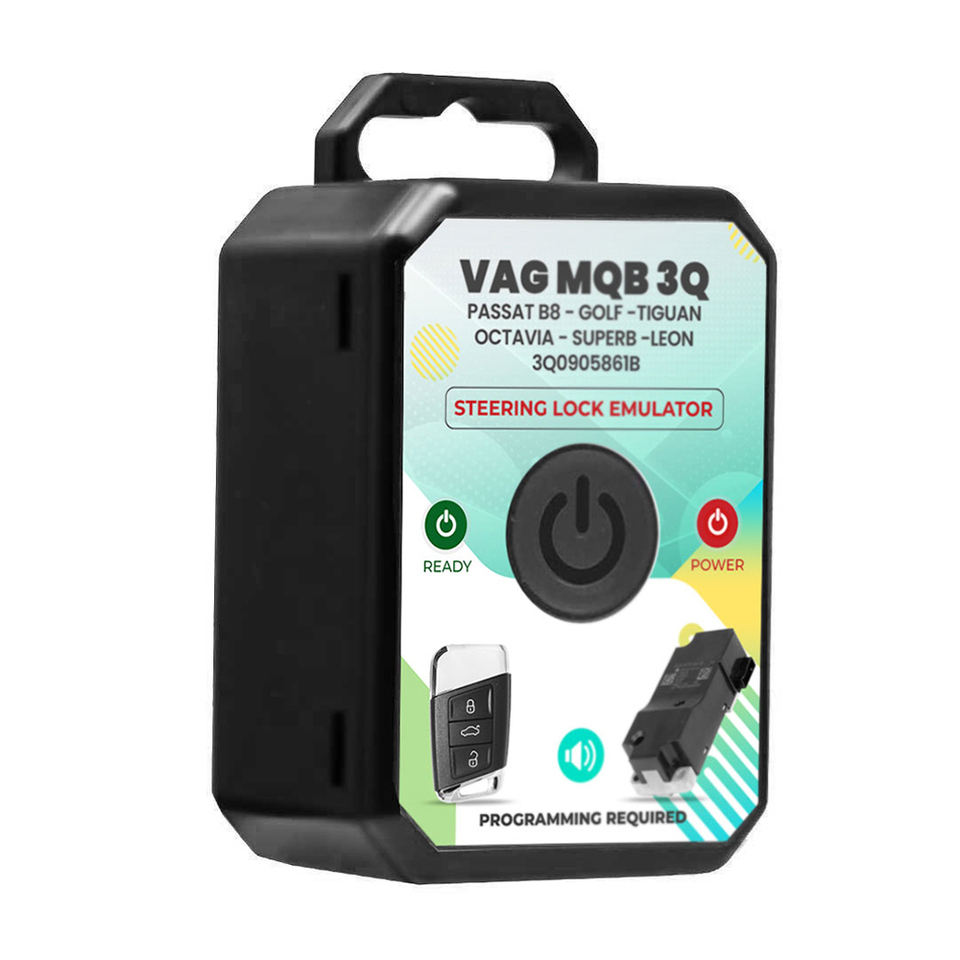
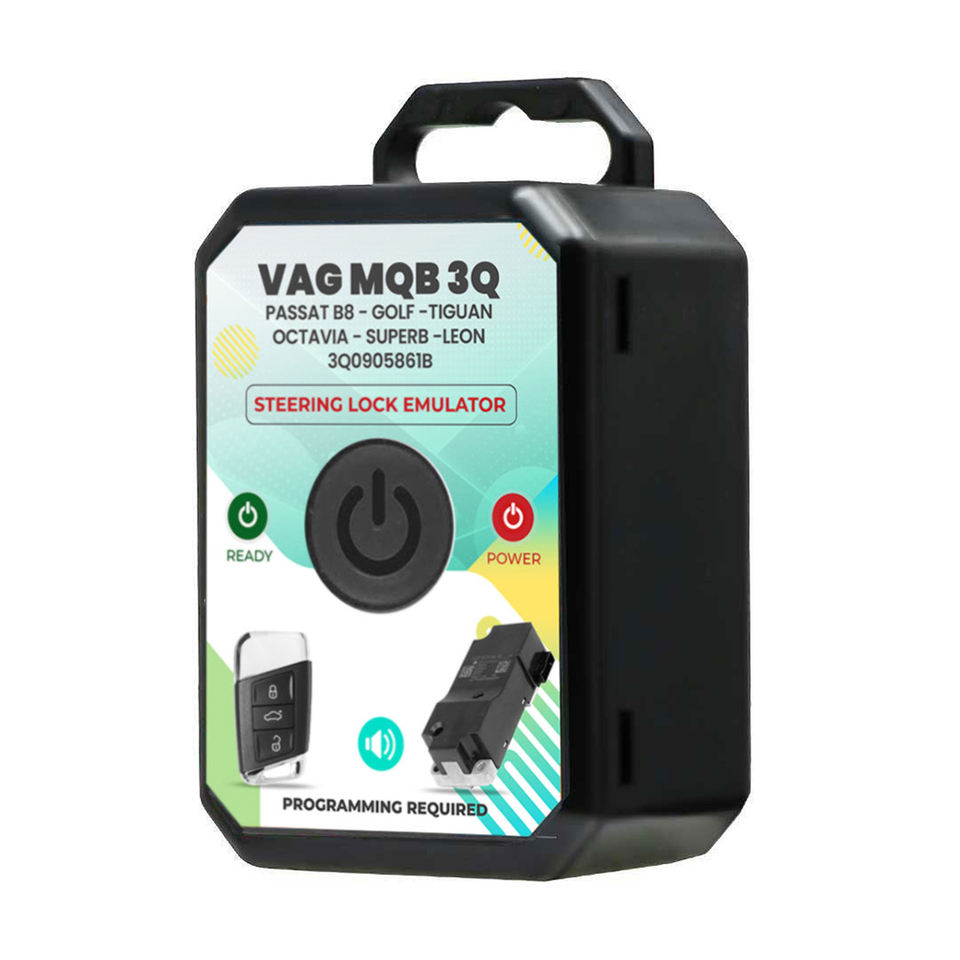
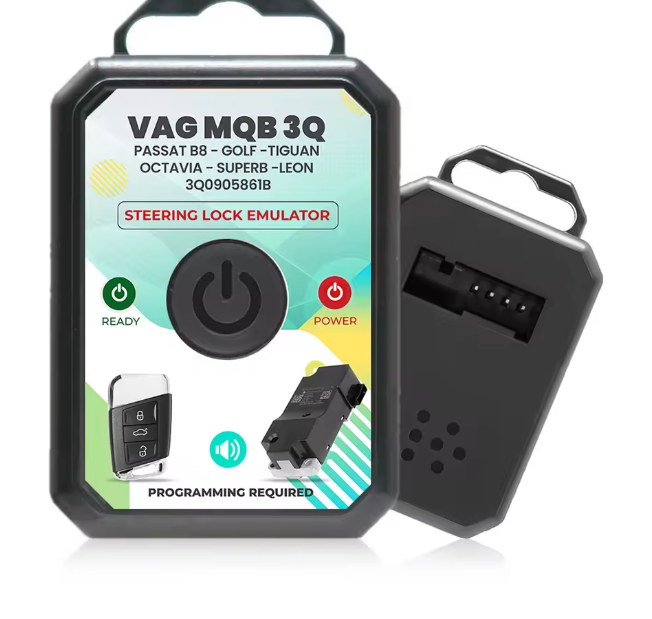
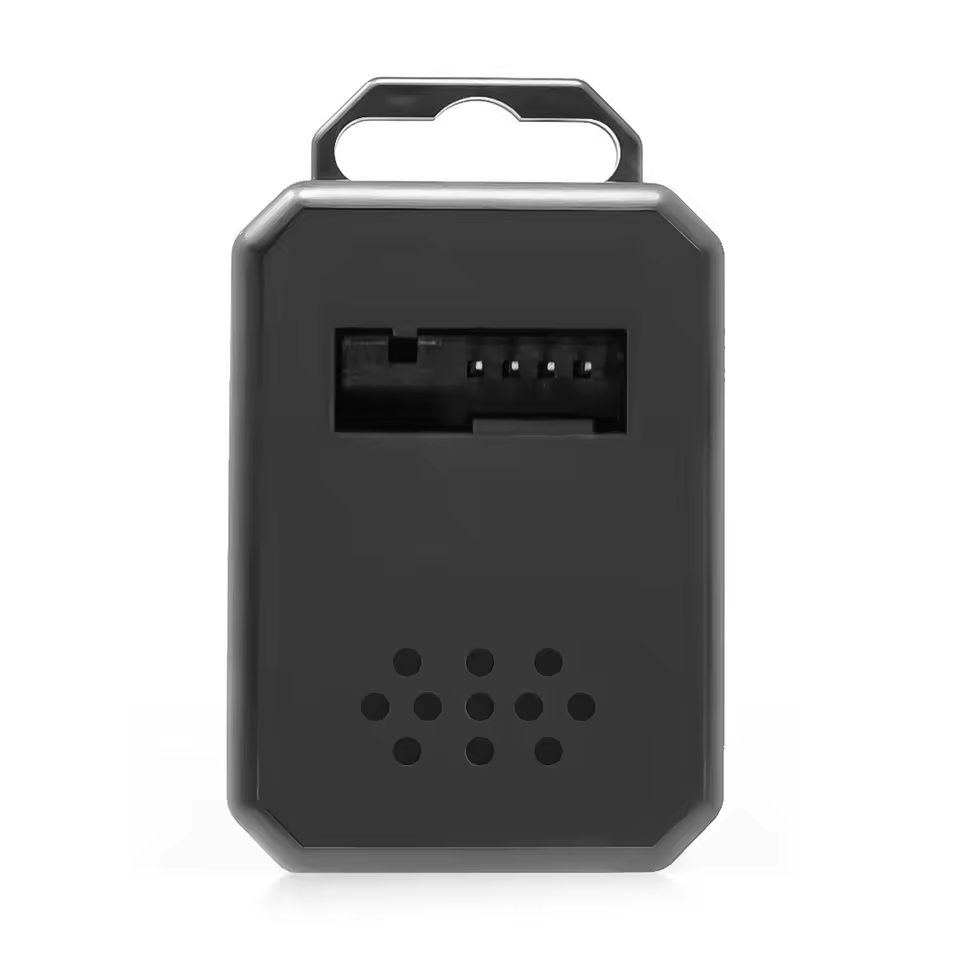
VAG MQB Steering Lock Emulator Engine Analyzer for VW Passat B8 Audi Skoda Octavia Seat Part Number 3Q0905861B
Item No. AR093
In Stock.
History sold.
0 out of 50 global ratings
- 5 stars:0%
- 4 stars:0%
- 3 stars:0%
- 2 stars:0%
- 1 stars:0%
ratings| answered questions
0 out of 5
0 global ratings
- 5 stars:0%
- 4 stars:0%
- 3 stars:0%
- 2 stars:0%
- 1 stars:0%
Latest price:$79.00
Buy Now:
$
69.00
13% off
Fast Shipping & No Tax
US Check: Ship from US
UK Check: Ship from UK
EU Check: Ship from Czech
Looking for help? Please contact Whatsapp: +86-19892834301
- Shipping:
-
Free Shipping
Express Shipping ServiceEstimated delivery time: 3-5 Working Days
- Quantity:
- Stock:33

- Weight:
- 0.1 KG
- Package:
Related Download Files
Share
VAG MQB Steering Lock Emulator Engine Analyzer for VW Passat B8 Audi Skoda Octavia Seat Part Number 3Q0905861B
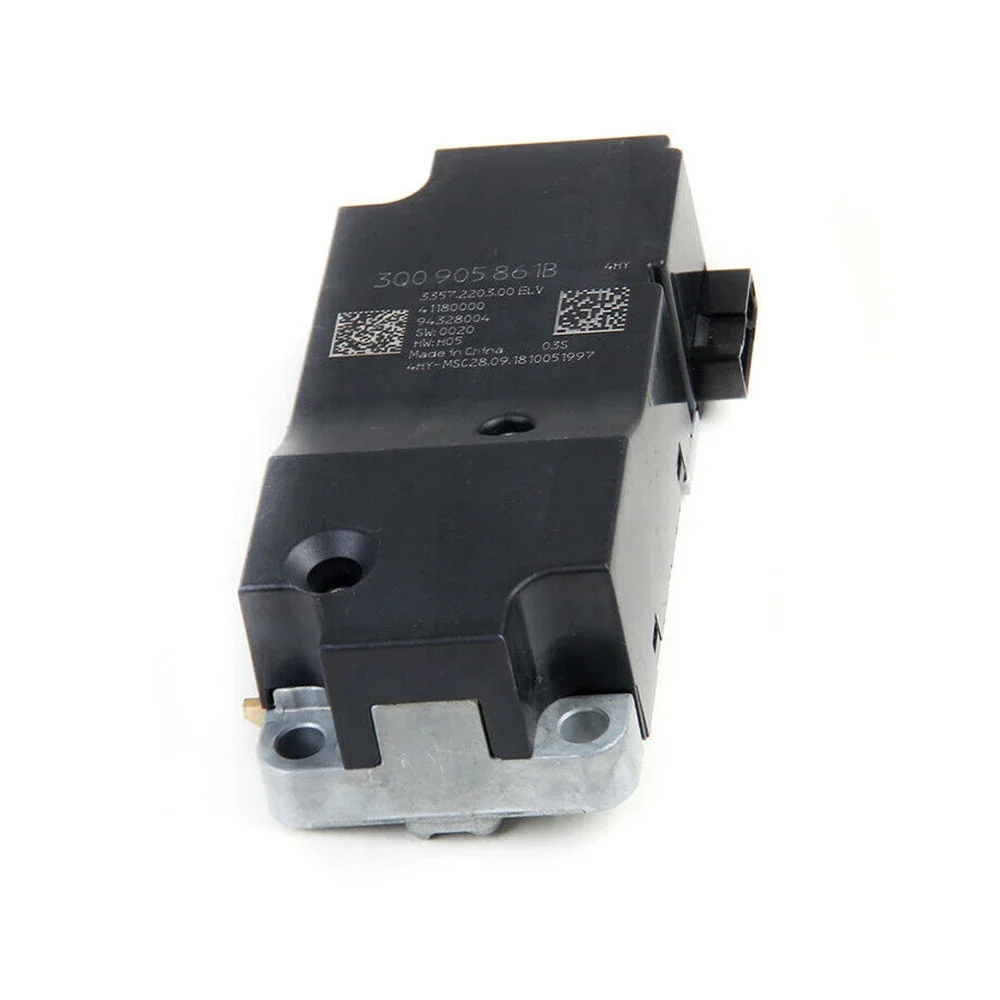
VAG MQB Steering Lock Emulator For Part Number: 3Q0905861B.
Important Note:
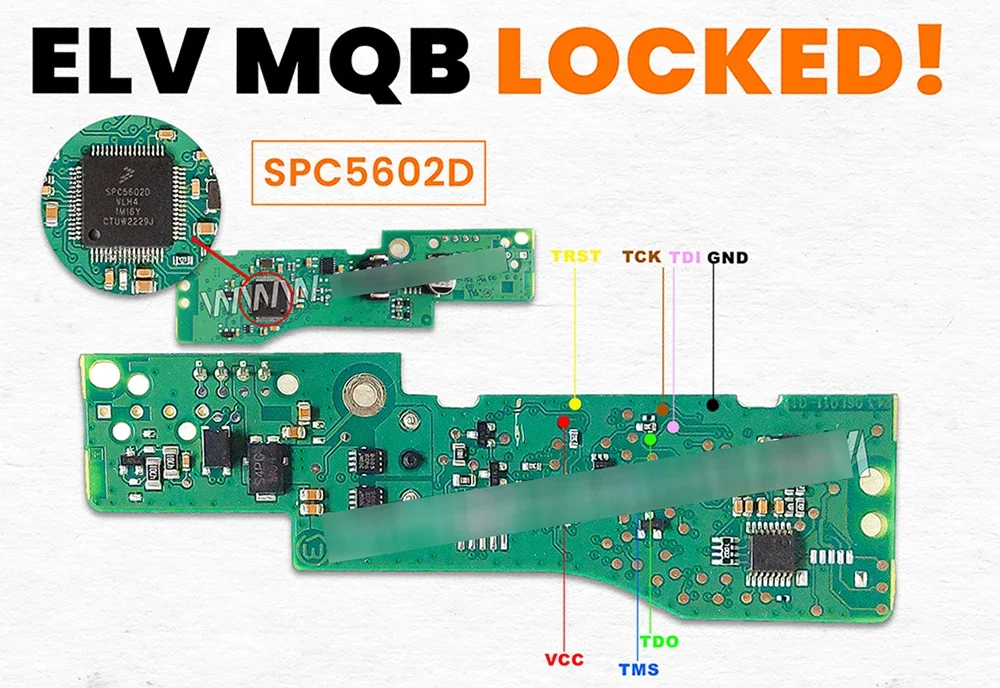
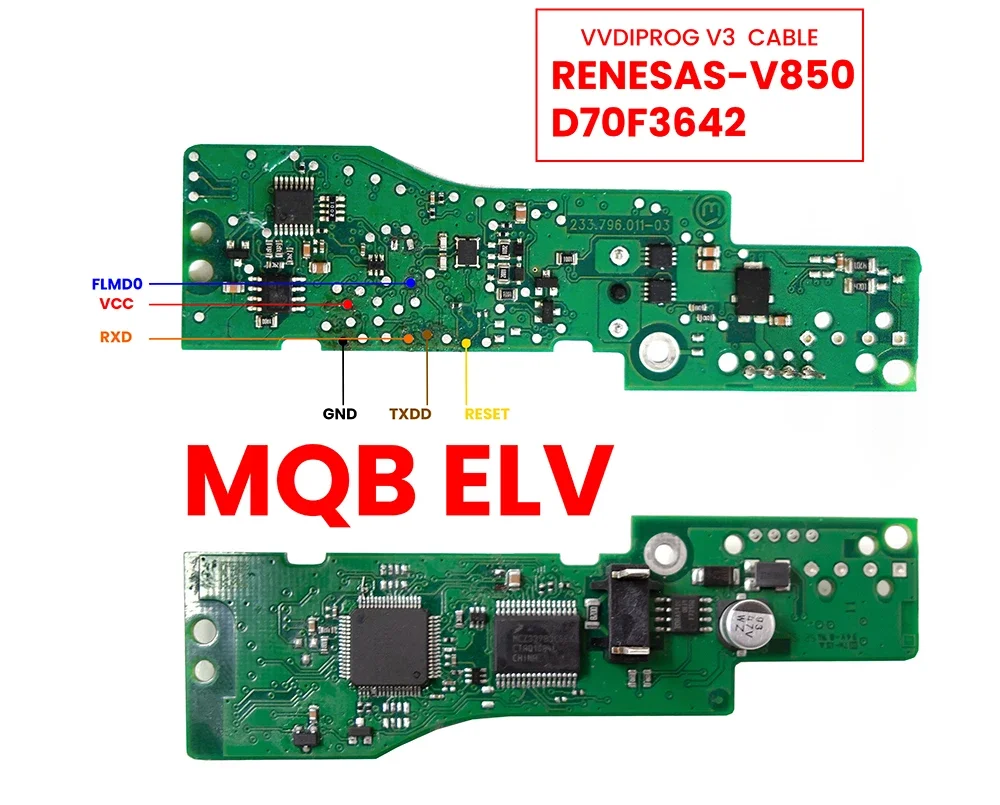
For certain steering locks, data cannot be read using VVDI Prog or similar devices. In such cases, we require immo data and syncro files (the same needed for key programming). Once provided, we will write these files to the emulator to proceed with the service.
VAG MQB 3Q VW Steering Lock Emulator Fitments:
Volkswagen Passat 2015-2020
Volkswagen Golf
Volkswagen Tiguan
Volkswagen ARTEON
Volkswagen TIGUAN ALLSPACE
Skoda Octavia
Skoda Superb
Skoda KAROQ
Seat Leon
Seat ATECA
Seat TARRACO
Audi A3
Audi Q2
VAG MQB 3Q VW Steering Lock Emulator Step-by-Step Instructions:
Remove the Steering Lock: Begin by carefully removing the steering lock from the vehicle.
Read Steering Lock Data: Use a VVDI PROG or any compatible device that supports reading the ELV (Electronic Steering Lock) to extract the steering lock data.
Process the Data: Open the extracted file using the MK3 Programmer application (software only, no physical device required). Save the file, then write the new file to the emulator (Eeprom 24LC256).
Install the Emulator: Plug in the emulator. The green and red lights will blink together for approximately 15 seconds until only the red light remains. Once the red light is steady, the system is ready, and you can start the car.
Customer Questions & Answers
Customer Reviews
0 Stars of 5,0 Reviews.
- 5 stars:0%
- 4 stars:0%
- 3 stars:0%
- 2 stars:0%
- 1 stars:0%
Share your thoughts with other customers.
Write a reviewTop customer reviews
You may also like

-
ESL ELV Steering Lock Emulator For Mercedes-Benz Sprinter Vito W210 W208 W211 W639 W906 W169 W245 W202 W203 W209
$33.0013% off

-
Steering Lock Emulator For Hyundai Tucson Sonata Staria KIA Sportage Sorento Carnival With Sound Plug and Play
$55.007% off

-
V2.0.0.11 Diatronik SRS+DASH+CALC+EPS OBD Tool Full Kit with Gprog Lite SL Adapter Support All Renesas and Infineon via OBD2
$1499.004% off


-
SI Opel Reset OBD2
$13.0032% off


- Payment:

-
Tel
+86-19892834301 -
WhatsApp